InVideo AI for Faceless YouTube: Create Videos Faster With AI
Starting a YouTube channel is easy. Maintaining it is the difficult part.
Many creators have plenty of video ideas but struggle with the production process. Writing scripts, finding visuals, recording voiceovers, editing footage, adding subtitles and creating engaging scenes can take several hours for a single video.
This is where InVideo AI can become a useful tool for faceless YouTube creators.
Instead of appearing in front of the camera, creators can use AI-assisted video production to build narrated videos around their ideas.
What Is a Faceless YouTube Channel?
A faceless YouTube channel is a channel where the creator doesn’t necessarily appear on camera.
Videos can use:
- AI-generated visuals
- Stock footage
- Voiceovers
- Animations
- Text
- Music
- Sound effects
- AI-generated scenes
This format has become popular for educational channels, documentaries, history videos, storytelling, technology content, motivation and many other niches.
The challenge is producing enough quality content consistently.
How InVideo AI Can Help
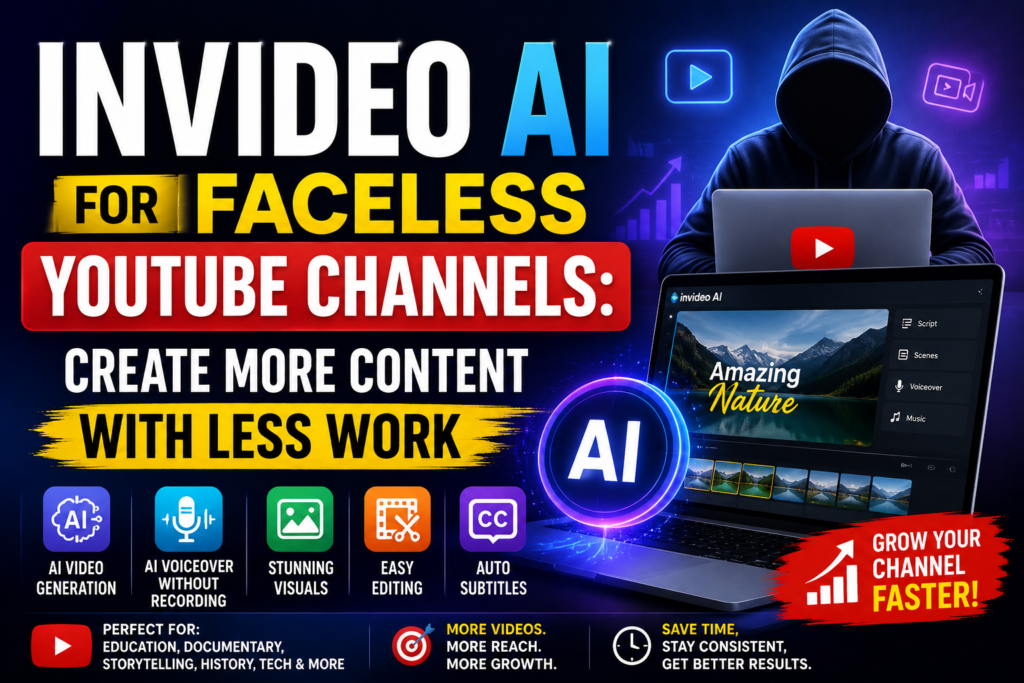
InVideo AI brings several video-production tasks into one workflow.
You can start with a topic or script and use AI to help develop the video, generate scenes, add narration and assemble the final project.
This can reduce the amount of manual work required to produce a faceless video.
Instead of spending hours searching for individual clips, creators can focus more on the story and overall quality.
Start With a Simple Video Idea
You don’t always need to have a perfect production plan.
For example, you could start with an idea such as:
“The mysterious history of an ancient civilization.”
From there, AI can help turn the concept into a structured video with scenes, narration and visuals.
You can then review the result and make changes according to your own style.
This makes the process especially attractive to beginners who don’t have professional video-production experience.
Create Narrated Videos Without Recording Yourself
Voice recording is another challenge for faceless channels.
You may need a quiet room, microphone, recording software and editing.
AI voice tools can simplify this process by providing narration without requiring the creator to record every sentence personally.
This can be useful when you’re producing multiple videos each week or targeting audiences in different languages.
Turn Scripts Into Complete Videos
Many successful YouTube creators prefer writing their own scripts.
That’s not a problem.
Instead of generating the entire video from scratch, you can use your existing script as the foundation and let AI help create the visual production around it.
This gives you more control over the information and storytelling while reducing the editing workload.
Create Different Types of Faceless Videos
InVideo AI can be useful for many different YouTube niches.
Educational Videos
Create narrated educational videos using visual explanations, stock footage and AI-generated scenes.
Documentary Content
Build documentary-style videos around historical events, people, places or interesting subjects.
Storytelling
Turn written stories into narrated videos with different scenes and visual environments.
Technology Content
Explain AI tools, software, gadgets and technology concepts with screen-style visuals and narration.
Motivation
Create motivational content using narration, cinematic visuals, music and text.
History
Historical topics can be presented using AI-generated scenes, illustrations and narration without requiring the creator to appear on camera.
Make YouTube Shorts From Your Content
Long-form videos don’t have to be your only content.
Creators can also turn larger topics into short-form content for YouTube Shorts and other social platforms.
For example:
One 10-minute video → Multiple short clips → Several social media posts
This content-repurposing strategy can help creators get more value from every topic they research.
Save Time on Video Editing
Traditional editing can become repetitive.
You may need to:
- Import footage
- Arrange scenes
- Add voiceover
- Synchronize visuals
- Add music
- Create subtitles
- Add transitions
- Export the video
AI can automate or simplify many of these repetitive tasks.
The creator can then spend more time reviewing the final video and improving the storytelling.
Why It Can Be Useful for New YouTubers
A common problem for new creators is the learning curve.
Professional editing software can take weeks or months to master.
InVideo AI provides a more approachable workflow because users can communicate what they want through prompts and AI-assisted tools.
You don’t need to become a professional editor before creating your first video.
Of course, learning basic editing and YouTube principles is still valuable. AI should be treated as an assistant rather than a replacement for creative judgment.
Quality Still Matters
AI can make production faster, but speed alone doesn’t guarantee YouTube success.
Creators should still focus on:
- Strong titles
- Attractive thumbnails
- Original ideas
- Accurate information
- Good storytelling
- Natural narration
- Audience retention
- Consistent publishing
It’s also important to review AI-generated content before publishing because AI can occasionally produce inaccurate information or visuals that don’t perfectly match the script.
The best results usually come from combining AI speed with human creativity and quality control.
Can InVideo AI Help With YouTube Automation?
For creators managing a faceless channel, InVideo AI can become part of a broader content workflow.
A possible process could look like this:
Topic Research → Script → AI Video Creation → Human Editing → Thumbnail → SEO → Upload
AI can help reduce the production time while the creator remains responsible for strategy, originality and final quality.
This is a much more practical approach than expecting AI to completely run a YouTube channel without human involvement.
Is InVideo AI Worth Trying for YouTube?
If you’re planning to start a faceless YouTube channel and video production is the biggest obstacle, InVideo AI is worth exploring.
Its combination of AI video generation, voice tools, visuals, editing and content-creation features can make the production process considerably easier.
It is especially useful for creators who want to experiment with different niches and publish content without appearing on camera.
Final Conclusion
Building a faceless YouTube channel doesn’t have to mean spending countless hours editing every video manually.
With InVideo AI, creators can use AI to assist with scripts, visuals, narration, scenes and editing while keeping control over the final content.
The biggest benefit is the time saved during production.
If you have good ideas but don’t have the time, equipment or advanced editing skills needed to turn those ideas into videos, InVideo AI can help bridge that gap.
For aspiring YouTubers, marketers and content creators looking to produce videos more efficiently, InVideo AI is a tool worth testing.
👉 Explore InVideo AI and start creating your faceless YouTube videos.