
AI Tools for Teachers Free: 15 Best Tools for Smarter Teaching
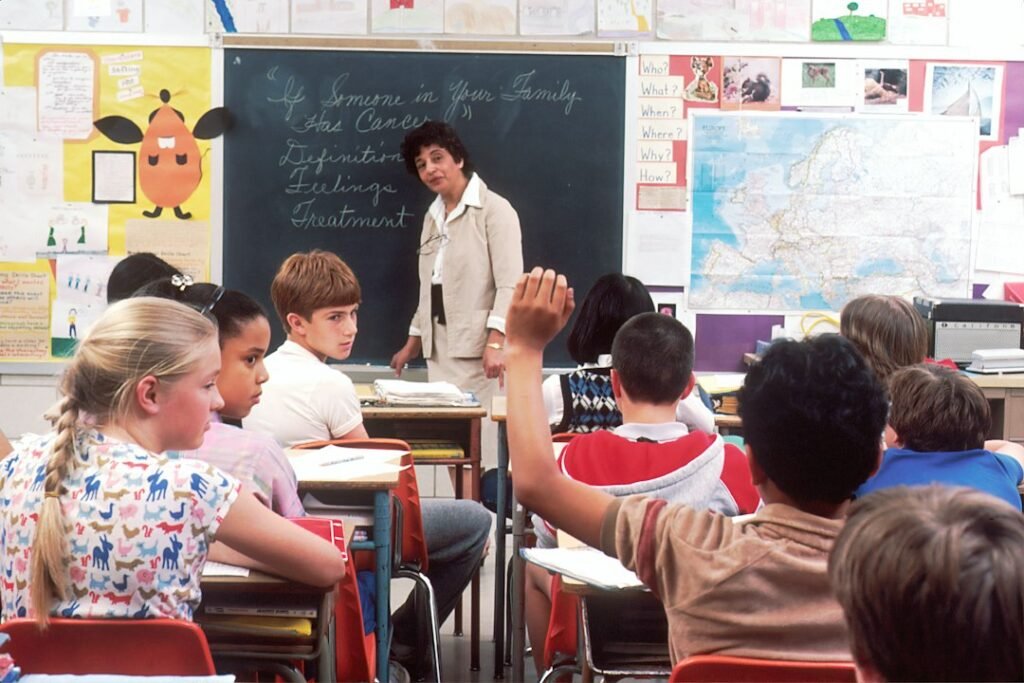
Photo by <a href="https://unsplash.com/@nci?utm_source=WP+Agent&utm_medium=referral">National Cancer Institute</a> on <a href="https://unsplash.com/?utm_source=WP+Agent&utm_medium=referral">Unsplash</a>
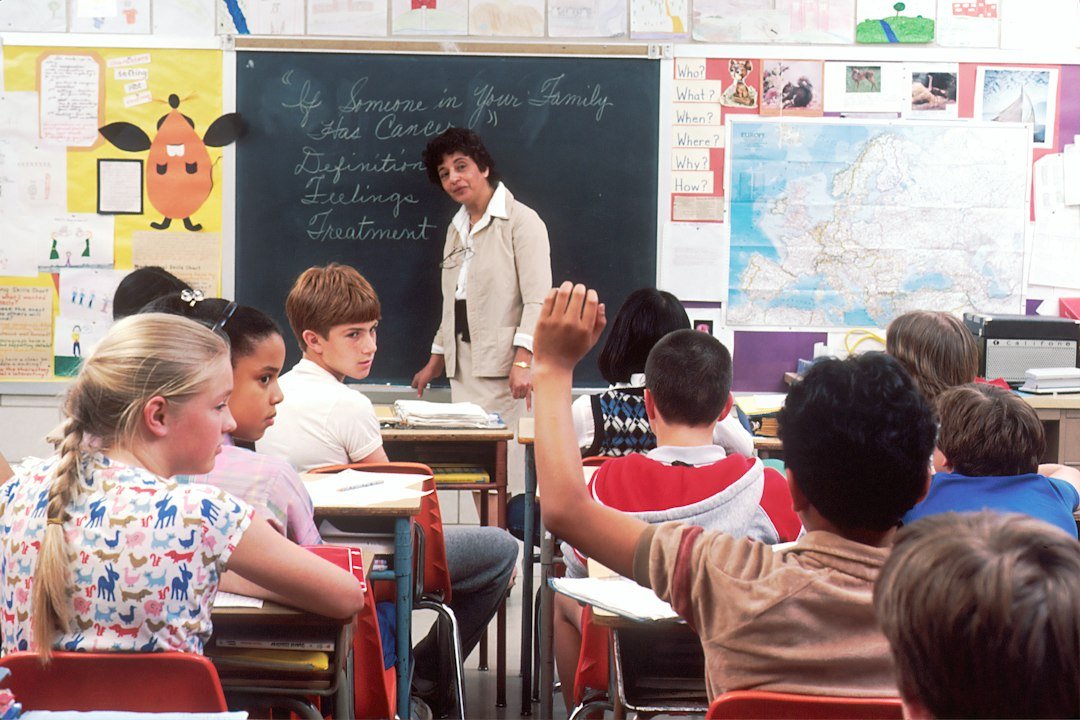
AI Tools for Teachers Free: 15 Best Tools for Smarter Teaching in 2026
Teaching is rewarding, but it can also be extremely time-consuming. Teachers have to prepare lesson plans, create worksheets, design presentations, write quizzes, grade assignments, communicate with students, and manage countless administrative tasks.
Artificial intelligence is changing the way educators handle these responsibilities.
Today, teachers can use AI to generate lesson ideas, create classroom activities, prepare quizzes, summarize information, improve educational content, and save valuable time.
The good news is that many platforms provide free features or free plans. This means educators don’t necessarily need a large technology budget to start using AI.
In this guide, we’ll explore some of the best ai tools for teachers free and explain how educators can use them to make teaching more efficient without sacrificing creativity or personal interaction.
1. ChatGPT
ChatGPT can act as a flexible teaching assistant.
Teachers can use it to brainstorm lesson ideas, create quizzes, explain difficult concepts, generate examples, prepare classroom activities, and adapt content for different learning levels.
For example, a teacher could ask:
“Create a 45-minute lesson plan about photosynthesis for high-school students, including an introduction, activity, discussion questions, and a short quiz.”
The teacher can then review and customize the material.
Best for: lesson planning, brainstorming, quizzes, explanations, and classroom activities.
2. Google Gemini
Google Gemini can help teachers generate ideas, summarize information, explain concepts, and create educational content.
It can be useful when educators want multiple approaches to teaching the same topic.
For example, a teacher can ask AI to explain a complicated subject at beginner, intermediate, and advanced levels.
This can make it easier to adapt lessons to different students.
3. Microsoft Copilot
Microsoft Copilot can be useful for teachers who work extensively with Microsoft products.
It can assist with writing, brainstorming, summarizing information, and productivity tasks.
Educators can use AI assistance when preparing documents, presentations, classroom material, and administrative content.
4. Canva
Canva is particularly useful for teachers who want to create visually appealing educational material.
Teachers can create presentations, worksheets, posters, infographics, classroom announcements, and educational graphics.
Its AI-powered features can also help educators generate and improve content more efficiently.
Best for: presentations, worksheets, posters, infographics, and visual lessons.
5. MagicSchool AI
MagicSchool is designed specifically for educators.
It provides tools that can assist with lesson planning, writing educational content, creating assessments, and adapting material.
For teachers who want an AI platform focused specifically on education, this type of specialized tool can be particularly useful.
6. Quizizz
Quizizz can help teachers create interactive quizzes and learning activities.
Instead of relying entirely on traditional worksheets, educators can create more engaging practice activities for students.
AI-assisted features can make the process of developing questions and assessments faster.
Best for: quizzes, classroom activities, and student engagement.
7. Kahoot!
Kahoot! is widely used for interactive classroom quizzes and educational games.
Teachers can use it to turn revision sessions into interactive activities.
AI-assisted content creation features can also help educators develop questions and learning activities more efficiently.
8. Diffit
Diffit is designed to help educators adapt learning materials for different students.
Teachers can use it to generate educational resources based on a topic or existing content and adjust material for different reading levels.
This can be particularly helpful in classrooms where students have different abilities and learning needs.
9. Grammarly
Teachers spend a significant amount of time writing.
They may need to prepare emails, instructions, reports, lesson materials, feedback, and other documents.
Grammarly can help identify grammar, spelling, punctuation, and clarity issues.
Best for: proofreading, emails, classroom material, and professional writing.
10. NotebookLM
Teachers often work with large amounts of information, including curriculum documents, lesson material, PDFs, and educational resources.
NotebookLM can help educators interact with supported source material and generate summaries or answers based on those sources. Our beginner’s guide to NotebookLM covers setup and its study tools.
This can make reviewing large documents more manageable.
11. Perplexity
Teachers frequently need to research new topics before preparing lessons.
Perplexity can help educators explore questions and discover relevant sources.
Its cited answers can provide starting points for further research, although teachers should always verify important information using reliable original sources.
Best for: research, topic exploration, and finding sources.
12. Brisk Teaching
Brisk Teaching is designed around AI-assisted education workflows.
It can help educators work with educational content and create or modify classroom resources.
Tools like this can reduce repetitive preparation work and allow teachers to spend more time focusing on their students.
13. Eduaide.Ai
Eduaide.Ai is focused on helping educators create instructional material.
Teachers can use educational AI platforms to brainstorm activities, generate classroom resources, and develop teaching material.
This can be useful when a teacher needs ideas quickly or wants to approach a lesson from a different perspective.
14. QuillBot
Teachers can use QuillBot to improve the clarity and readability of their written material.
It can be useful when preparing instructions, classroom documents, newsletters, and other educational content.
Teachers should still review AI-generated text carefully to make sure it matches their intended meaning and teaching style.
15. LanguageTool
LanguageTool is another useful writing assistant for educators.
It can identify grammar, spelling, punctuation, and style issues.
Teachers can use it to proofread lesson plans, emails, classroom instructions, reports, and other written materials.
How AI Can Help Teachers
The biggest advantage of AI for educators is not simply generating content. It is reducing repetitive work.
Here are some practical ways ai tools for teachers free can be used.
Create Lesson Plans
Lesson planning can take a considerable amount of time.
Teachers can provide a topic, grade level, lesson duration, and learning objectives and ask AI to generate a basic lesson structure.
The teacher can then modify it according to the curriculum and students’ needs.
Generate Quizzes
AI can create multiple-choice questions, short-answer questions, and revision activities.
For example:
“Create 15 questions about the water cycle for Grade 7 students. Include easy, medium, and challenging questions.”
Teachers can then review every question before giving it to students.
Create Worksheets
AI can help generate worksheet ideas, exercises, vocabulary activities, and discussion questions.
This can reduce preparation time while giving teachers more options for classroom activities.
Differentiate Learning Material
Not every student learns at the same pace.
AI can help teachers adapt the same topic for different reading levels or learning abilities.
For example, a teacher could create a simpler explanation for students who need additional support and a more advanced activity for students who are ready for a challenge.
Improve Classroom Presentations
AI-powered design tools can help teachers create presentations that are more visually engaging.
Images, diagrams, timelines, charts, and infographics can make difficult concepts easier to understand.
AI for Grading and Feedback
Grading is one of the most time-consuming responsibilities for many teachers.
AI can potentially help organize feedback, identify common writing problems, and create feedback templates.
However, teachers should remain responsible for final grading decisions.
AI may misunderstand context, overlook important details, or make inconsistent judgments.
A teacher’s professional judgment remains essential.
AI Can Help Teachers Save Time
Time is one of the most valuable resources in education.
Teachers can spend hours creating material that students may use for only one lesson.
AI can reduce some of this repetitive preparation.
For example, a teacher could use AI to create:
- Five lesson ideas
- Ten discussion questions
- A 20-question quiz
- A vocabulary exercise
- A homework activity
- A short revision worksheet
The teacher can then select, edit, and improve the most useful material.
This shifts the teacher’s role from creating everything manually to curating and improving AI-assisted material.
AI and Personalized Education
Every classroom contains students with different strengths, weaknesses, interests, and learning styles.
AI can help teachers create variations of the same learning material.
For example, one topic could be presented through:
Simple explanation → Real-world example → Visual diagram → Practice questions → Advanced challenge
This can give teachers more flexibility when supporting different students.
However, personalization should complement—not replace—the teacher’s understanding of individual students.
How Teachers Should Use AI Responsibly
AI can be powerful, but teachers should not accept everything it generates without checking it.
AI systems can sometimes produce:
- Incorrect facts
- Outdated information
- Biased content
- Poorly designed questions
- Incorrect answers
- Inappropriate examples
Every AI-generated lesson, worksheet, quiz, or explanation should be reviewed before it reaches students.
Teachers are ultimately responsible for the educational material they provide.
Protect Student Privacy
Privacy is particularly important in education.
Teachers should be careful when entering student names, grades, personal information, behavioral information, or other sensitive data into AI systems.
Before using an AI service with student information, educators should follow their school’s policies and understand how the platform handles data.
When possible, use anonymized or non-sensitive examples.
AI Should Support Teachers, Not Replace Them
There is a lot of discussion about whether AI will replace teachers.
In reality, teaching involves much more than delivering information.
Teachers motivate students, understand emotions, manage classrooms, provide encouragement, resolve conflicts, answer unexpected questions, and build relationships.
AI cannot replace these human responsibilities.
Instead, AI can handle some repetitive tasks so teachers have more time for the parts of education that require human connection.
A Simple AI Workflow for Teachers
Teachers can build a practical workflow around AI:
Step 1: Plan
Use AI to brainstorm lesson ideas and activities.
Step 2: Create
Generate a first draft of worksheets, quizzes, examples, or lesson material.
Step 3: Review
Check every fact, question, answer, and instruction.
Step 4: Customize
Adapt the material to your curriculum, teaching style, and students.
Step 5: Teach
Use the improved material in the classroom.
Step 6: Improve
After the lesson, identify what worked and what should be changed next time.
This keeps the teacher in control while allowing AI to reduce repetitive work.
Are Free AI Tools Good Enough for Teachers?
Many educators can accomplish a surprising amount using free AI tools.
Free plans may be sufficient for tasks such as:
- Brainstorming lesson ideas
- Creating simple quizzes
- Generating activity ideas
- Improving writing
- Summarizing documents
- Creating basic presentations
- Researching topics
However, free plans can have limitations such as usage caps, fewer advanced features, or limited integrations.
Teachers should evaluate their needs before paying for a subscription.
The Future of AI in Education
AI is likely to become a normal part of teaching and education.
Teachers may increasingly use AI assistants for lesson preparation, assessment creation, administrative work, personalized learning, and educational research.
But the most successful educators will not simply use AI to generate more content.
They will use it to create better learning experiences.
The teacher’s knowledge, creativity, experience, and understanding of students will remain essential.
Conclusion
Artificial intelligence is giving teachers new ways to save time and improve their teaching workflow.
From lesson planning and quiz creation to presentations, worksheets, research, writing, and personalized learning materials, ai tools for teachers free can provide valuable assistance without requiring a large technology budget.
But AI should always remain a tool—not the teacher.
The best approach is to let AI handle repetitive tasks while educators focus on what they do best: teaching, motivating, guiding, and connecting with students.





4 thoughts on “AI Tools for Teachers Free: 15 Best Tools for Smarter Teaching”