
Best AI Transcription Software in 2026: 6 Tools Compared (Free and Paid)
Six of the best AI transcription tools compared for 2026: free options, prices, languages, accuracy claims and privacy tips.
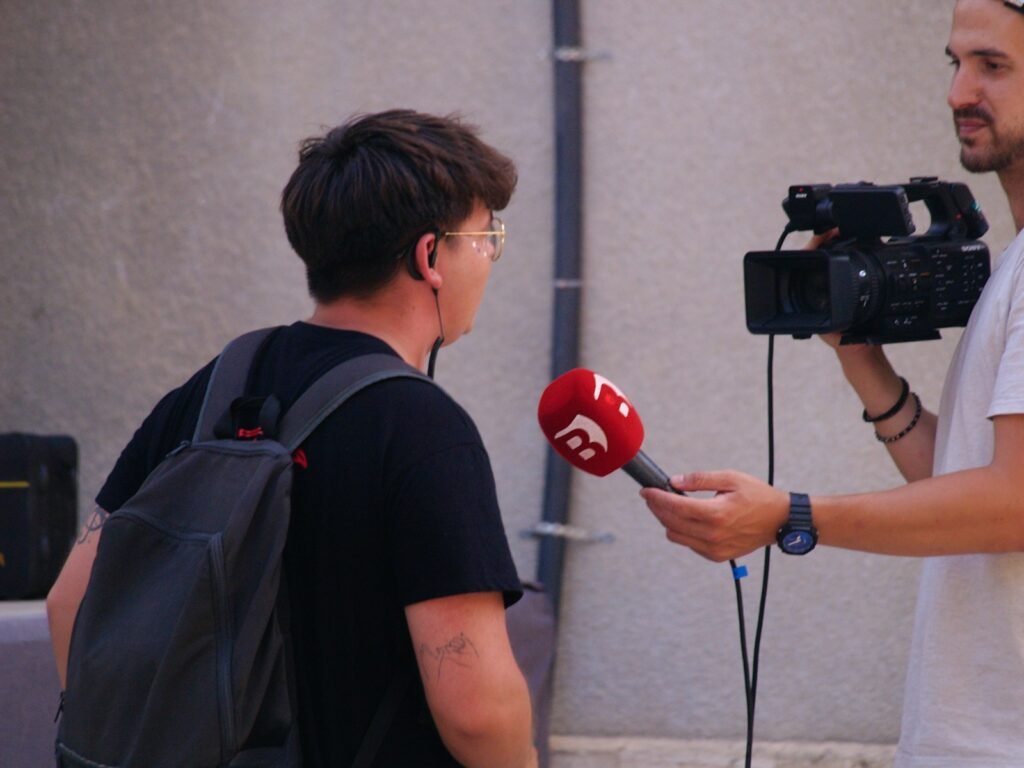
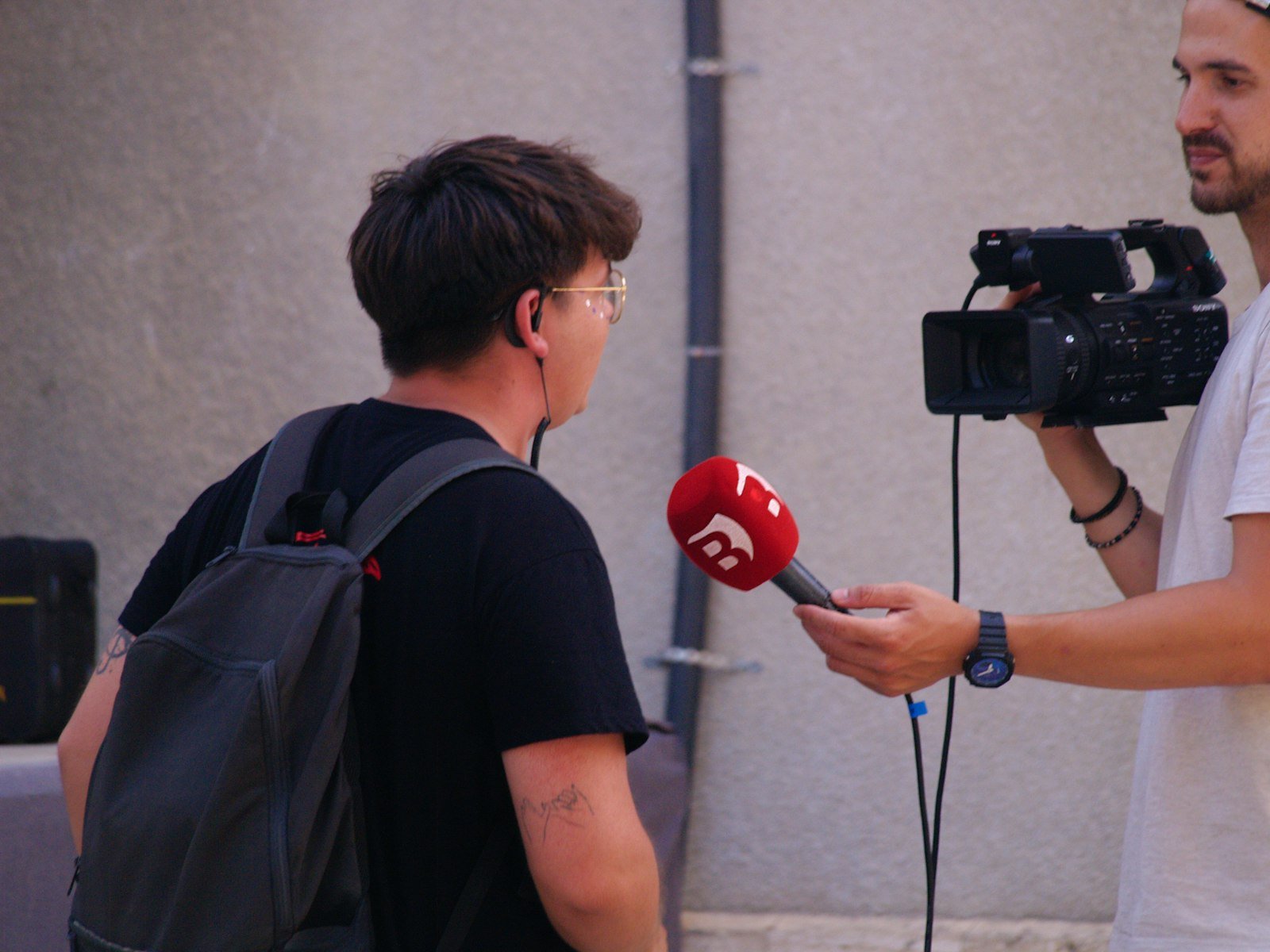
Photo by <a href="https://unsplash.com/@thiagoz?utm_source=WP+Agent&utm_medium=referral">Thiago Zanutigh</a> on <a href="https://unsplash.com/?utm_source=WP+Agent&utm_medium=referral">Unsplash</a>
Choosing the best AI transcription software got more interesting this week. Microsoft has just added a real-time streaming version of its MAI-Transcribe-2 model, priced at an introductory $0.10 per audio hour, and the established apps are competing hard on free minutes and languages. This guide compares six of the best AI transcription tools in 2026, covering apps for interviews and meetings, editors for podcasts and video, free open-source options and developer APIs. We checked each one’s official pricing and features and note which suits which job.
Prices and features below were checked on 4 October 2026 on each provider’s official pricing page or documentation. Accuracy figures are the companies’ own claims or third-party benchmarks, and the text says which. Your results will depend on audio quality, accents and subject matter, so always test with your own recordings.
Best AI Transcription Software at a Glance
| Tool | Best for | Free option | Paid from | Languages |
|---|---|---|---|---|
| Otter.ai | Meetings, interviews, lectures | 300 min/month | $8.33/month (annual) | 6 |
| Rev | AI plus human-verified transcripts | 45 AI min/month | $25.49/month (annual) | English on Free; 37+ on Pro |
| Descript | Podcasts and video editing | 60 media min/month | From $16/month (annual) | 25 |
| ElevenLabs Scribe | Many languages, live captions, API | Free tier with monthly credits | $6/month | 90+ |
| OpenAI Whisper | Free, private, on your own computer | Completely free (open source) | n/a | 99+ |
| Microsoft MAI-Transcribe-2 | Developers needing cheap, fast bulk transcription | n/a | $0.10/audio hour (promotional) | 60 |
How AI Transcription Works
AI transcription uses speech-recognition models trained on huge amounts of recorded speech. The model converts sound into text, then adds extras such as punctuation, speaker labels and timestamps. There are two main modes:
- Batch transcription processes a finished recording, such as an interview, lecture or podcast episode. It is usually the most accurate option.
- Real-time (streaming) transcription produces text while someone is still speaking. It powers live captions and voice assistants, trading a little accuracy for speed.
Most apps then add an AI layer on top, offering summaries, search and editing.
How We Chose the Best AI Transcription Tools
We focused on what most people actually need when they search for AI transcription:
- Accuracy on real-world audio, including official benchmarks where published.
- Free allowance, because many people only need occasional transcripts.
- Speaker identification and timestamps for interviews and meetings.
- Languages, which matters for readers across Europe.
- Privacy and data handling, including whether you can transcribe locally.
- Price per hour for heavy users and developers.
If your main goal is AI meeting notes and summaries rather than transcripts, see our separate guide to AI tools for taking notes.
1. Otter.ai: Best for Meetings, Interviews and Lectures
Otter is one of the best-known AI transcription apps and a strong all-rounder for spoken conversations. It records live or transcribes imported files, labels speakers, and lets you search and chat with your transcripts.
- Basic (free): 300 transcription minutes a month, up to 30 minutes per conversation, and 3 lifetime file imports.
- Pro: $16.99 a month, or $8.33 a month billed annually. Includes 1,200 minutes, 90 minutes per conversation and 10 imports a month.
- Business: $30 a month, or $19.99 billed annually, with unlimited minutes, 4-hour conversations and unlimited imports.
- Languages: English, Spanish, French, German, Japanese and Chinese.
Best for: students, journalists and professionals who mostly work in one of Otter’s six languages. Watch out for: the limited language list and the 3-import lifetime cap on the free plan.
2. Rev: Best When You Need Human-Level Certainty
Rev combines AI transcription with optional human transcriptionists, which is useful for legal, academic or published work where errors are costly.
- Free: 45 AI transcription minutes a month, English only.
- Essentials: $25.49 a month billed annually ($29.99 monthly), with 5,000 AI minutes per user. Adds English and Spanish.
- Pro: $47.99 a month billed annually ($59.99 monthly), with 10,000 AI minutes and 37+ languages.
- Human transcription: $1.99 a minute, delivered in 12 hours or less, with subscriber discounts up to 15%.
Best for: legal teams, researchers and anyone who needs a human check. Watch out for: the free tier is English-only, and human transcription adds up quickly for long recordings.
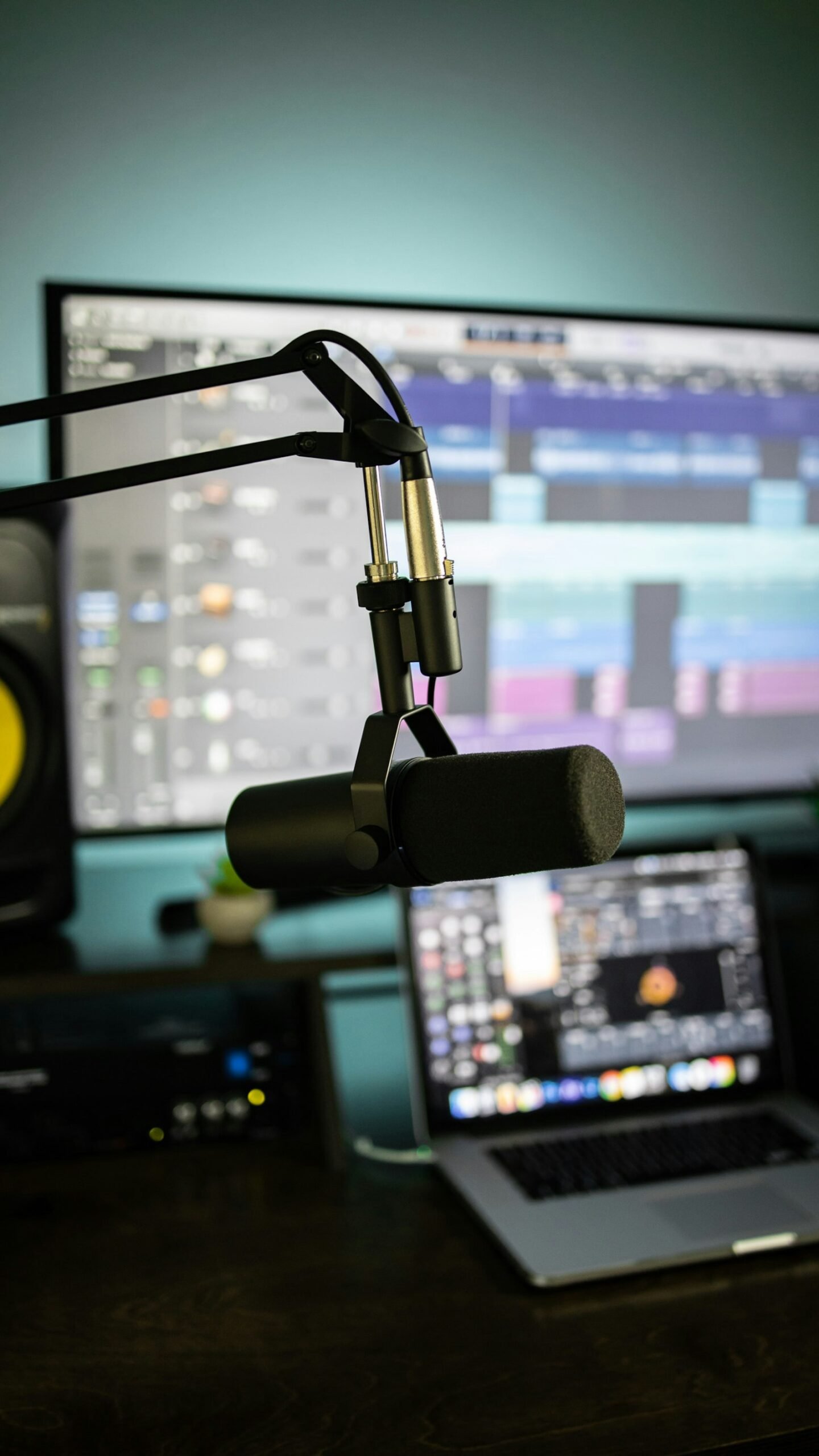
3. Descript: Best for Podcasts and Video
Descript turns transcription into an editing tool: delete words in the transcript and they disappear from the audio or video. That makes it a favourite with podcasters and YouTubers.
- Free: 60 minutes of media a month and 100 one-time AI credits.
- Paid plans: from $16 a month billed annually (Hobbyist, 10 media hours), with Creator and Business tiers for more hours and features.
- Transcription: 25 languages, with speaker detection for 8+ speakers.
Best for: creators who want to transcribe and edit in one place. Our guide to YouTube automation with AI shows where it fits in a video workflow. Watch out for: it is overkill if you just need a plain text transcript.
4. ElevenLabs Scribe: Best for Many Languages and Live Captions
ElevenLabs is best known for AI voices, but its Scribe speech-to-text models are strong transcription tools in their own right.
- Scribe v2 for recorded audio and video, and Scribe v2 Realtime, which ElevenLabs says has sub-150 ms latency for live use.
- 90+ languages, speaker and entity detection, word-level timestamps, PII redaction and up to 1,000 custom key terms.
- Pricing: a free tier with monthly credits, then plans from $6 a month. API transcription beyond plan allowances is listed at $0.22 an hour.
Best for: multilingual teams across Europe, live captioning and developers building voice apps. If you also need voiceovers, our guide on how to use ElevenLabs covers the rest of the platform.
5. OpenAI Whisper: Best Free and Private Option
Whisper is an open-source speech-recognition model you can run on your own computer. Nothing is uploaded, which makes it attractive for sensitive interviews or anyone wary of cloud services.
- Licence: code and model weights are released under the MIT licence.
- Languages: 99+, plus translation into English (except with the speed-optimised turbo model).
- Model sizes: from tiny (about 1 GB of video memory) to large (about 10 GB), plus a faster turbo model (about 6 GB).
- Install:
pip install -U openai-whisper, with Python and theffmpegtool installed.
Best for: privacy-conscious users, researchers and developers comfortable with a command line. Watch out for: there is no polished app or speaker labelling out of the box, and larger models need a decent graphics card to run quickly.

6. Microsoft MAI-Transcribe-2: Best Value for Developers
MAI-Transcribe-2 is the newest model on this list. Microsoft AI released it on 4 September 2026, and a streaming version for real-time use followed at the start of October.
- Price: $0.10 per audio hour as an introductory rate until the end of 2026. Microsoft has not announced the price after that.
- Languages: 60, up from 43 in the previous version, with automatic language detection.
- Features: speaker identification, word-level timestamps and keyword biasing for specialist vocabulary.
- Accuracy and speed: Microsoft reports an average 5.2% word error rate across 60 languages on the FLEURS benchmark. Independent testing by Artificial Analysis measured 2.0% WER and a median speed of 410.7 times real time.
- Where to get it: Microsoft Foundry, Azure Speech, the MAI Playground and OpenRouter.
Best for: developers and businesses transcribing large volumes of audio. Watch out for: it is a public preview without a formal service-level agreement, so it is not yet recommended for critical production workloads. It is an API rather than a consumer app.
Best Free AI Transcription Software
“Free” means different things depending on the tool:
- Best overall free plan: Otter’s 300 minutes a month.
- Truly unlimited and free: Whisper on your own computer, limited only by your hardware.
- Free for video creators: Descript’s 60 minutes a month.
- Free taster with a human option: Rev’s 45 minutes a month (English only).
Students on a budget will find more ideas in our list of AI tools for college students.
Which AI Transcription Tool Should You Choose?
- Recording meetings, lectures or interviews in English: Otter.
- Legal, academic or publish-ready transcripts: Rev, adding human review when it matters.
- Podcast or YouTube editing: Descript.
- Several European languages: ElevenLabs Scribe or MAI-Transcribe-2.
- Sensitive recordings that must stay on your device: Whisper.
- Building an app or processing thousands of hours: MAI-Transcribe-2 or the ElevenLabs API.
Once you have a transcript, you can analyse it further. For example, upload it to NotebookLM to ask questions about a long interview, as shown in our guide on how to use NotebookLM.
AI Transcription, Privacy and GDPR
Transcripts often contain personal data such as names, health details or business secrets. For readers in the UK and EU, a few rules of thumb apply:
- Get consent before recording people, and tell them when an AI tool is listening.
- Check where data is processed and stored, and whether recordings are used to train models.
- Use local tools such as Whisper for highly sensitive material.
- Use redaction features (for example ElevenLabs’ PII redaction) and delete recordings you no longer need.
- Follow your organisation’s policies, especially in healthcare, law and education.
Tips for More Accurate AI Transcripts
- Record clean audio: a close microphone and a quiet room matter more than the software.
- Avoid cross-talk: speakers talking over each other cause most errors.
- Add key terms: use custom vocabulary or keyword biasing for names and jargon.
- Choose the right language setting instead of relying only on auto-detection for short clips.
- Proofread important passages, especially numbers, names and quotes.
FAQ
What is the best AI transcription software in 2026?
It depends on the job. Otter is the best all-rounder for meetings and interviews, Descript for podcasts and video, ElevenLabs Scribe for many languages, Whisper for free private use, and MAI-Transcribe-2 for low-cost bulk transcription by developers.
Is there a free AI transcription tool?
Yes. Whisper is free and open source. Otter (300 minutes a month), Descript (60 minutes), Rev (45 minutes) and ElevenLabs all offer free tiers.
How accurate is AI transcription?
With clear audio, modern models are very accurate. Microsoft reports a 5.2% average word error rate across 60 languages for MAI-Transcribe-2, and an independent test measured 2.0%. Accuracy drops with background noise, strong accents and overlapping speakers.
What is the cheapest AI transcription for large volumes?
At the time of writing, Microsoft’s MAI-Transcribe-2 introductory price of $0.10 per audio hour is among the lowest, although it runs until the end of 2026 only. Running Whisper locally costs nothing beyond your hardware.
Can AI transcribe multiple languages?
Yes. Whisper supports 99+ languages, ElevenLabs Scribe 90+, MAI-Transcribe-2 60 and Descript 25, while Otter supports six.
Final Thoughts
The best AI transcription software is the one that matches your audio, your languages and your privacy needs. Try the free tiers with a real recording before you pay, and compare accuracy on your own material rather than relying on headline benchmarks. With prices falling and new streaming models arriving, transcription has never been cheaper or faster. For the wider picture of AI productivity tools, see our guide to the best AI tools for work and productivity.
Sources: Otter pricing; Rev pricing; Descript pricing; ElevenLabs speech to text; Whisper on GitHub; Microsoft MAI-Transcribe-2 announcement; eWeek on MAI-Transcribe-2; DataNorth on MAI-Transcribe-2. Checked 4 October 2026.





3 thoughts on “Best AI Transcription Software in 2026: 6 Tools Compared (Free and Paid)”