YouTube Automation With AI: A Practical Workflow for Creators and Beginners (2026)
A practical, policy-aware guide to YouTube automation with AI: research, scripts, voiceovers, editing, thumbnails and SEO, plus what YouTube’s monetisation rules say.
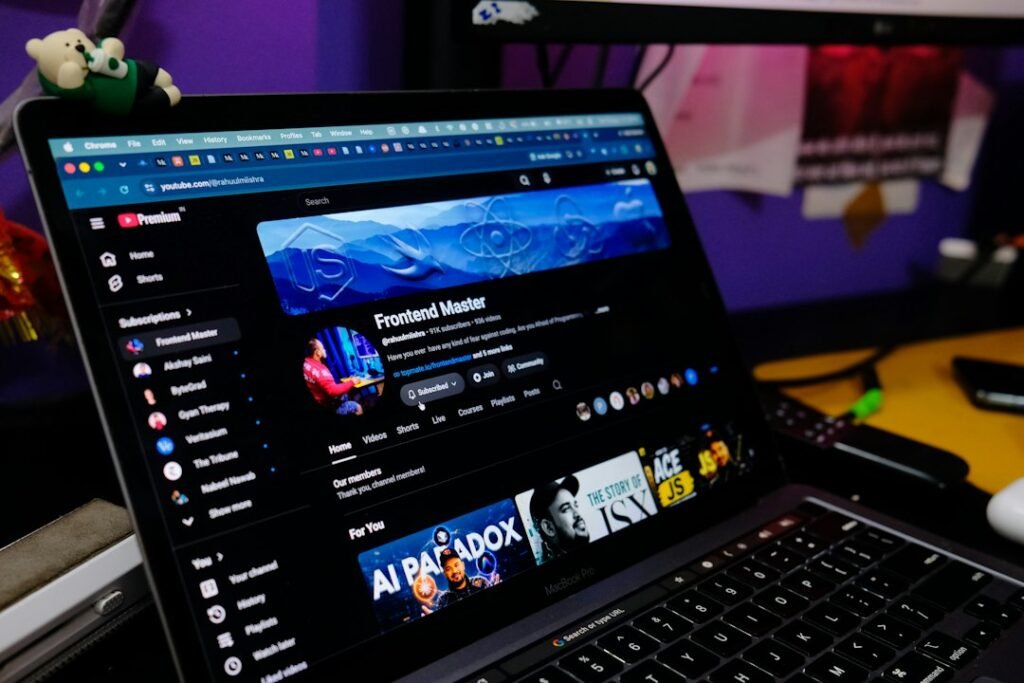
Photo by <a href="https://unsplash.com/@rahuulmiishra?utm_source=WP+Agent&utm_medium=referral">Rahul Mishra</a> on <a href="https://unsplash.com/?utm_source=WP+Agent&utm_medium=referral">Unsplash</a>
YouTube automation with AI appears again and again in Google’s search suggestions in the UK, Germany and France, and it is also widely misunderstood. Many videos promise a channel that runs itself while you sleep. The reality is more useful and less magical: AI can take hours off research, scripting, voiceovers, editing and SEO, but a person still has to decide what the channel stands for, check the facts and make each video worth watching. This guide shows how to use AI for each stage of production, which types of tool fit which job, and what YouTube’s own rules say about AI-made content and monetisation.
Disclosure: this article contains an affiliate link to InVideo. If you buy through it, AI Brainora may earn a commission at no extra cost to you. It does not change our recommendations.
What Is YouTube Automation With AI?
“YouTube automation” originally meant running a channel with outsourced help: a scriptwriter, a voice artist and an editor, with the owner managing the process. AI has replaced or sped up many of those roles, so today the phrase usually means using AI tools to handle repetitive production work.
A realistic definition is this: AI automates tasks, not judgement. It can draft an outline in seconds, turn a script into narration, cut silences from a recording, suggest titles and generate subtitles. It cannot decide which topics your audience genuinely needs, tell whether a claim is true, or give a video a point of view. Channels that treat AI as an assistant tend to build trust. Channels that let AI make every decision tend to publish the generic, repetitive videos YouTube explicitly refuses to monetise (more on that below).
What AI can and cannot automate
| Stage | What AI does well | What still needs you |
|---|---|---|
| Research | Summarising sources, grouping questions, spotting gaps | Choosing reliable sources and the angle |
| Scripting | Outlines, first drafts, alternative hooks | Original insight, examples, fact-checking |
| Voiceover | Natural-sounding narration, fixes to your own recordings | Tone, pronunciation checks, disclosure where required |
| Video and editing | Rough cuts, B-roll suggestions, captions, resizing | Pacing, storytelling, final quality control |
| Thumbnails and titles | Concepts and variations to test | Accuracy (no misleading packaging) |
| SEO and publishing | Descriptions, chapters, tag ideas | Final wording and scheduling |
Step 1: Use AI for YouTube Research and Topic Ideas
Good automation starts with good topics. AI is most helpful here when you give it real data rather than asking it to invent ideas from nothing.
- Start with YouTube’s own data. YouTube Studio’s research insights show what viewers of your channel, and viewers across YouTube, are searching for. This is first-party demand data and is more reliable than any AI guess.
- Collect questions from your audience. Paste comments from your videos, or common questions from forums in your niche, into a chatbot and ask it to group them into themes. Each theme can become a video or a series.
- Summarise sources, don’t replace them. Tools that answer only from documents you upload are useful for turning reports, studies or product manuals into briefing notes. Our guide to Gemini Notebook (formerly NotebookLM) shows how to research from your own sources with citations back to the original text.
- Look for gaps. Ask AI to compare the titles of the top videos on a topic and list what none of them cover. That gap is often your best angle.
Example prompt: “Here are 40 comments from my channel about budgeting apps. Group them into five recurring questions, and for each one suggest a video angle that a beginner in the UK would find useful.”
Step 2: Write an Original Script With AI Assistance
The script is where most AI-made channels fail. A chatbot asked to “write a script about X” will produce something accurate-sounding, generic and interchangeable with hundreds of other videos. Use it instead as a structured writing partner.
- Write the core yourself. Jot down your opinion, your example or the result of your own test in a few bullet points. This is the part no one else can copy.
- Ask AI for structure. Get an outline with a hook, three to five sections and a clear ending, built around your notes.
- Draft section by section. Shorter requests give you more control than one giant prompt.
- Rewrite in your voice. Read it aloud. Cut phrases you would never say.
- Fact-check every claim. Check names, dates, prices and statistics against the original source. AI models can state wrong facts confidently.
General assistants such as ChatGPT, Claude and Gemini all handle scripting well; each has different strengths. The best AI script generator for YouTube is simply the one that follows your notes most closely, so test two or three with the same brief.
Step 3: Add AI Voiceovers (or Improve Your Own)
AI voice tools have improved to the point where narration can sound natural, which is why they are popular for faceless channels. You have three sensible options:
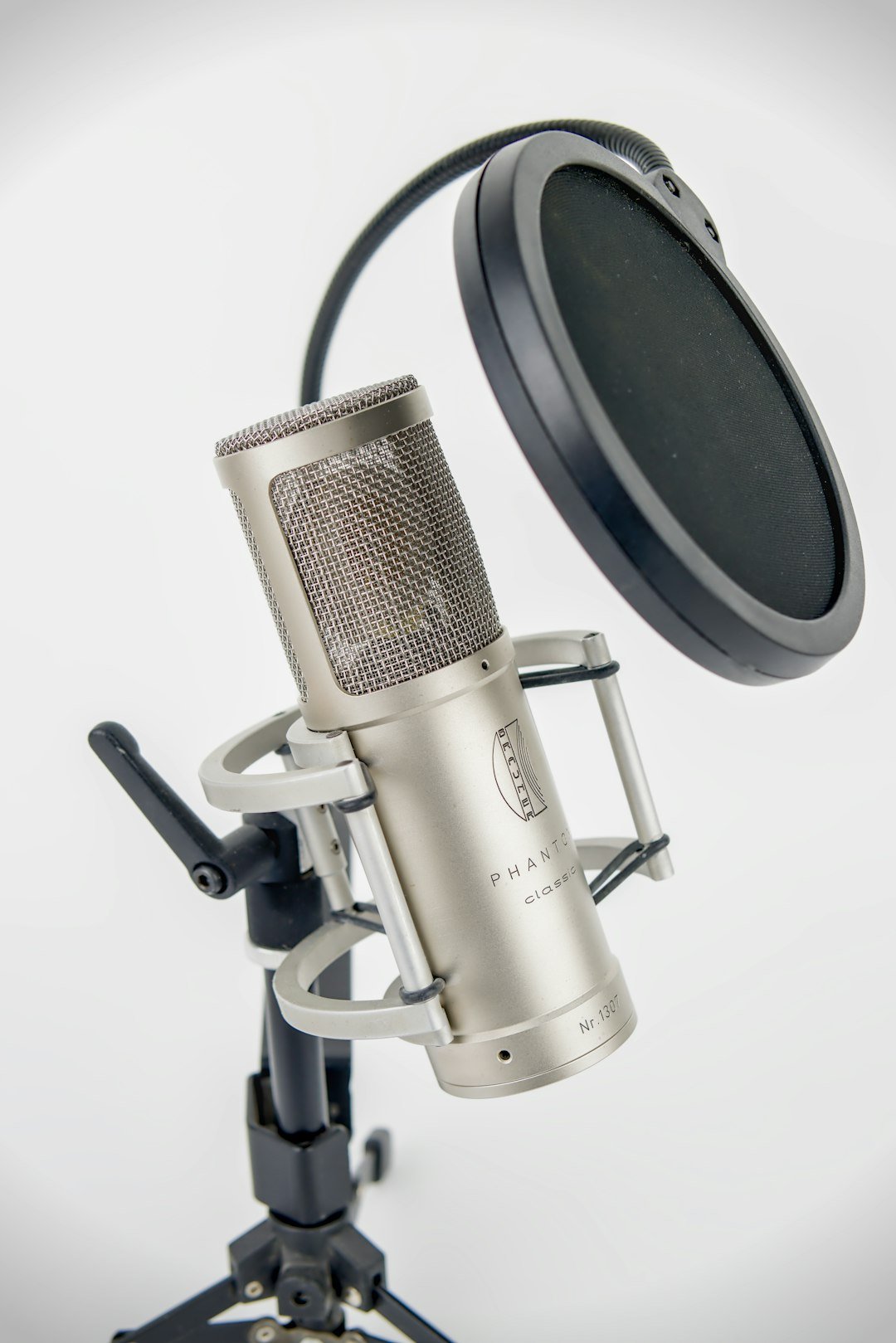
- Record yourself and use AI to clean it up. Noise reduction and audio repair make a basic microphone sound far better. Your real voice is also your strongest brand asset.
- Clone your own voice. Useful for fixing a line without re-recording. YouTube’s disclosure guidance lists voice cloning for your own voiceover as an example that does not need disclosure.
- Use a stock AI voice. Fine for explainers, but choose one voice and stick with it, and listen to every line for mispronounced names and odd emphasis.
Never clone someone else’s voice without permission, and never make a real person appear to say something they did not. That is both an ethical line and, on YouTube, something that requires disclosure.
Step 4: Generate Visuals and Edit the Video
This is the stage most people mean when they ask how to automate YouTube videos with AI. There are two broad approaches:
All-in-one AI video generators
These tools take a script or prompt and assemble a complete draft with stock or generated footage, narration, captions and music. They save the most time for explainer, listicle and news-style formats. InVideo AI is one example; our InVideo AI review covers how its credit system and conversational editing work in practice. For a wider comparison, see our roundup of the best AI video generators for YouTube and social media.
AI-assisted editing of your own footage
If you film yourself, screen-record tutorials or shoot B-roll, AI editors can remove silences and filler words, edit by transcript, generate captions, reframe for Shorts and suggest clips worth cutting down. Our guide to AI video editing tools explains these features in more detail.
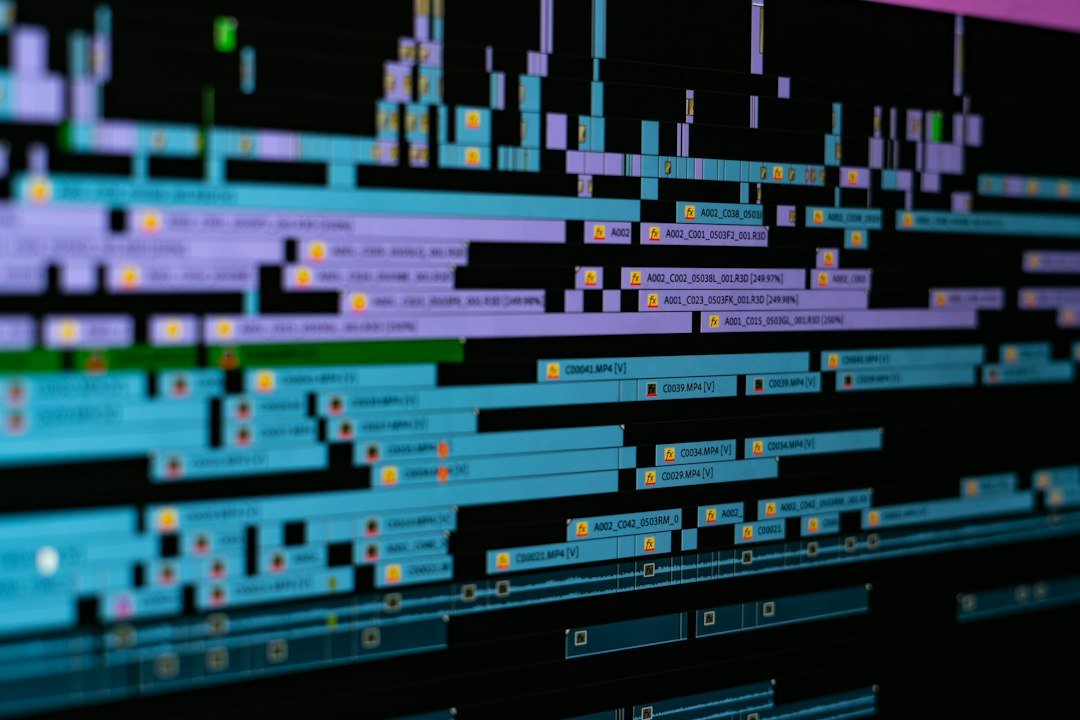
Whichever route you choose, treat the AI output as a rough cut. Replace visuals that do not match the narration, tighten the first 30 seconds, and add something only you can provide: a screen recording of your own test, a real example, a chart you made, or your own commentary.
Step 5: Create Thumbnails, Titles and Descriptions
AI image and writing tools are good at producing options quickly. The skill is choosing well.
- Thumbnails: generate several concepts, then build the final version with a clear subject, few words and strong contrast. Use real screenshots or photos where they tell the story better than generated art.
- Titles: ask for ten variations that describe the viewer’s benefit, then pick the clearest, not the most dramatic.
- Test instead of guessing: YouTube Studio lets eligible creators A/B test titles and thumbnails, so you can compare options on real viewers.
- Stay accurate: a thumbnail or title that promises something the video does not deliver can hurt viewer trust and may break YouTube’s policies on misleading metadata.
Step 6: YouTube SEO With AI
AI can take much of the busywork out of optimisation:
- Draft a description whose first two lines explain the video in plain language
- Generate chapter timestamps from your transcript, then check they land on the right moments
- Suggest related search phrases to cover naturally in the script and description
- Produce accurate captions and translated subtitles, which help viewers in other languages follow along
Keep keyword use natural. Stuffing a description with repeated phrases does not help viewers and is not how YouTube recommends videos. Discovery depends far more on whether people click and keep watching. Our guide to growing a YouTube channel organically covers retention, playlists and consistency in detail.
Step 7: Human Review and Fact-Checking
Before any video goes live, run a short checklist:
- Every fact, number and quote traced to a reliable source
- No other creator’s footage, music or script reused without permission or substantial transformation
- Narration listened to in full for errors and awkward phrasing
- Visuals match what is being said at each moment
- Thumbnail and title accurately describe the video
- Altered or synthetic content disclosed where YouTube requires it
This review is what separates AI-assisted content from mass-produced content, and it is the step that should never be automated away.
A Practical End-to-End AI YouTube Workflow
Here is how the stages fit together for one video, from idea to upload. It suits YouTube automation for beginners and scales as the channel grows.
- Monday – topic: check YouTube Studio research insights and your comments, then use AI to group questions into a shortlist of video ideas.
- Tuesday – research and script: collect sources, summarise them with AI, write your own key points and build the script around them. Fact-check.
- Wednesday – audio and visuals: record or generate the voiceover, then create a first cut with an AI video tool or your own footage.
- Thursday – edit: tighten the hook, fix visuals, add captions and cut two or three Shorts from the best moments.
- Friday – package and publish: create thumbnail and title options, write the description and chapters, add disclosure if needed, and schedule.
- Next week – review: check retention and click-through in YouTube Analytics and feed the lessons into the next topic.
Best AI Tools for YouTube Automation, by Task
Rather than chasing a single “do everything” platform, pick one tool per job and learn it properly.
| Task | Type of tool | When it is worth it |
|---|---|---|
| Topic research | YouTube Studio research insights; source-grounded research assistants | Always. Start with first-party data |
| Scripting | General AI assistants (ChatGPT, Claude, Gemini) | When you supply your own notes and examples |
| Voiceover | AI voice generators; audio clean-up tools | Faceless formats, or to polish your own recordings |
| Video creation | All-in-one AI video generators | Explainers, listicles and repurposing articles |
| Editing | AI-assisted editors with transcript editing and auto-captions | When you film or screen-record your own footage |
| Thumbnails | AI image generators plus a design tool | For concepts; finish by hand |
| Testing | YouTube’s built-in title and thumbnail A/B testing | Once you have regular uploads |
On cost: most tools use monthly subscriptions or credits, and prices change often. Budget for one writing assistant and, if you need it, one video or voice tool. Many general assistants have a free tier to start. For example, our ChatGPT pricing guide explains what each plan includes. Always check current pricing on the provider’s own site before subscribing.
YouTube Monetisation and AI: What the Rules Actually Say
This is the section most “YouTube automation” courses skip. YouTube does not ban AI tools, and it does not automatically monetise AI videos either. What matters is whether the final content is original and valuable.
Inauthentic and reused content
YouTube’s channel monetisation policies require monetised content to be your own original creation and not mass-produced, generic or repetitive. In July 2025, YouTube renamed its “repetitious content” policy to “inauthentic content” to make clear that it covers repetitive or mass-produced videos. The policy’s examples include AI-generated content made from generic templates that gives the impression of mass production, and templated videos with little or no narrative, commentary or educational value.
Separately, the reused content policy covers taking other people’s material with minimal changes. Adding significant original commentary, substantive edits or educational value is what makes the difference.
Disclosure of altered or synthetic content
YouTube requires creators to disclose realistic content made or altered with AI when it could mislead viewers, for example making a real person appear to say or do something they did not, altering footage of real events or places, or generating a realistic scene that never happened. Using AI for production help, such as outlines, scripts, thumbnails, titles, captions or clean-up, generally does not need disclosure, and nor do clearly unrealistic or animated effects. YouTube says the disclosure itself does not limit a video’s audience or its eligibility to earn money.
Partner Program eligibility
To earn from ads, a channel must meet the YouTube Partner Program thresholds, which include 1,000 subscribers plus either 4,000 qualified watch hours in the past 12 months or 10 million qualified Shorts views in the past 90 days. Meeting those numbers does not guarantee approval: every channel goes through a review of its content against YouTube’s policies. No AI tool, course or workflow can promise acceptance or income.
Common Mistakes With AI YouTube Automation
- Publishing volume instead of value. Ten templated videos a week rarely beat one well-researched one, and they carry the most policy risk.
- Skipping fact-checks. One confidently wrong claim can undo months of trust.
- Using the same voice, music and stock clips as everyone else. Viewers notice, and it makes a channel look mass-produced.
- Chasing trending niches you don’t understand. AI makes it easy to produce videos on any topic, which is exactly why expertise and a point of view stand out.
- Buying “done-for-you” automation packages that promise earnings. Nobody can guarantee monetisation or income.
- Forgetting disclosure for realistic synthetic scenes or voices of real people.
Frequently Asked Questions
Is YouTube automation with AI allowed?
Yes. YouTube does not prohibit AI tools. Monetised content must still be original and authentic rather than mass-produced or repetitive, and realistic synthetic content must be disclosed.
Can a faceless AI channel be monetised?
It can be eligible if it meets the Partner Program thresholds and passes YouTube’s review. Faceless channels with original research, commentary or teaching are in a much stronger position than channels publishing templated, generic videos. Acceptance is never guaranteed.
Do I need to label videos where AI wrote the script?
According to YouTube’s guidance, using AI for production assistance such as scripts, outlines, titles or thumbnails does not on its own require disclosure. Disclosure is required for realistic altered or synthetic content that could mislead viewers.
What is the best AI tool for YouTube automation?
There is no single best tool. Most creators combine a writing assistant for scripts, a voice or video tool for production and YouTube Studio’s own analytics and testing features. Choose based on your format and test each one with a real video.
Final Thoughts
YouTube automation with AI works best when it is honest about what it is: a faster way to produce videos you would be proud to make by hand. Let AI handle research summaries, first drafts, narration, rough cuts, captions and packaging options. Keep the ideas, the facts, the editing decisions and the final sign-off with a person. That combination saves real time, keeps you within YouTube’s policies and gives viewers a reason to come back.
Sources: YouTube Help: channel monetisation policies, disclosing altered or synthetic content, YouTube Partner Program overview and eligibility, research insights and A/B testing titles and thumbnails. Checked 29 September 2026.