
How to Use Suno AI in 2026: Songs, v6, the New Speech Beta and Pricing
A step-by-step Suno AI guide for 2026: your first song, v6 models, the new Speech beta, pricing and ownership rules.

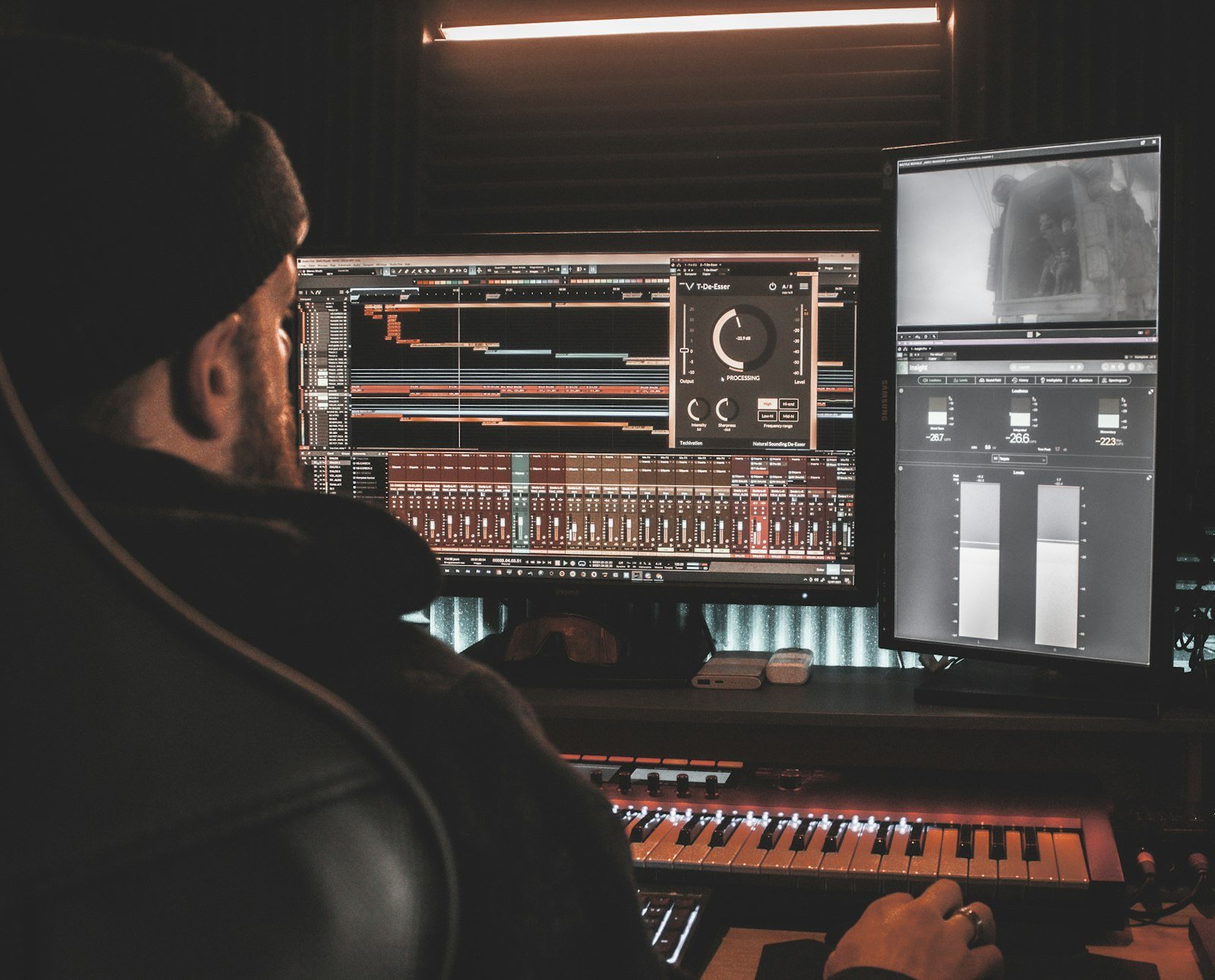
Photo by <a href="https://unsplash.com/@rohitbhusan?utm_source=WP+Agent&utm_medium=referral">Rohit Bhusan</a> on <a href="https://unsplash.com/?utm_source=WP+Agent&utm_medium=referral">Unsplash</a>
Learning how to use Suno is the quickest way to turn an idea, a poem or a few lines of lyrics into a finished song, and from this week into spoken audio with its own soundtrack. Suno AI opened its new Speech beta to all users on 1 October 2026, a month after launching its v6 music models. This beginner’s guide explains how to make your first song, how to get better results with styles and lyrics, how to use the new Speech feature, what each plan costs, and who owns what you create.

Everything below was checked on 4 October 2026 against Suno’s official release notes, its pricing page and its help centre article on song ownership. Speech is a beta, so expect changes.
What Is Suno AI?
Suno is an AI music generator. You describe a song, choose a style or paste your own lyrics, and Suno creates a complete track with vocals, instruments and structure in under a minute. It runs in a web browser and in apps for iPhone and Android.
Recent releases have turned it into much more than a one-click song maker:
- v6 models (9 September 2026): the flagship v6 for polished results, v6-wild for experimental ideas, and v6-mini, a faster model available to everyone. Suno says v6 lets you edit specific sections in plain language, build mashups, update single lyrics without regenerating the song, and start from text, audio, images or video.
- Suno Studio: a browser-based production workspace with stems, MIDI, effects and automation, included in the Premier plan. A 17 September update made MIDI transcription faster and more accurate.
- Voices (August 2026): record your voice once and apply it to any song, on web, iOS and Android.
- Speech (1 October 2026): spoken word and a matching soundtrack generated together. More on this below.
AI music is part of a much bigger shift in creative work; our article on how AI is transforming the arts covers the wider debate.
How to Use Suno: Make Your First Song in 5 Steps
Step 1: Create an account
Sign up at suno.com or in the Suno app. The free plan gives you 50 credits a day, which is enough to experiment before paying anything.
Step 2: Open Create and choose a mode
Click Create. In v6 there are three ways to work:
- Simple: describe what you want in plain language (“an upbeat indie pop song about moving to Manchester”) and Suno handles the rest.
- Advanced: control lyrics, styles and other settings separately. This is best once you know what you want.
- Sounds: an experimental mode for short loops, one-shots and sound effects rather than full songs.
Step 3: Pick a model
Free users can use v6-mini. Paid subscribers can switch to v6 for the most reliable, polished results, or v6-wild when they want surprising variations.
Step 4: Write the prompt, styles and lyrics
In Advanced mode, the most important fields are:
- Lyrics: paste your own or let Suno write them. Section labels such as [Verse], [Chorus] and [Bridge] help it structure the song.
- Styles: genre, mood, instruments, tempo and vocal type, for example “acoustic folk, warm female vocal, fingerpicked guitar, 90 bpm”.
- Exclude styles: what to avoid, such as “no drums” or “no autotune”.
- Sliders such as style influence, which control how closely Suno follows your instructions.
Step 5: Generate, compare and refine
Press Create. Suno produces versions you can play straight away. Keep the best one, then refine it: edit a section, change a lyric, extend the song or create a cover in another style. Change one thing at a time so you learn what makes the difference.
How to Use Suno Speech (New Beta)
Speech is the newest Suno feature and the reason Suno is trending this week. Suno calls it “the first model to create a speech and its soundtrack together in one take”. Instead of recording a voiceover and then adding music in an editor, you get both in a single generation.
What you can make with Suno Speech
- Bedtime stories over soft piano
- Motivational speeches over stadium drums
- Meditations and calm narration
- Poems read aloud with an original score
- Personal messages for birthdays, weddings and celebrations
- Podcast intros, ASMR and short social clips
How to create speech in Suno
- Open Suno on the web or in the iOS or Android app. Suno says Speech is available to all users.
- Choose the Speech option in Create.
- Paste your text: a poem, script, toast or message.
- Describe the voice you want (tone, pace, accent) and the music behind it (for example “warm, slow British narrator over gentle acoustic guitar”).
- Generate, listen, and adjust the wording of your description if the delivery is off.
Known beta quirks: early coverage notes that accents can drift (a British accent occasionally slipping towards Australian), and that “dramatic pauses may be very dramatic”. Keep scripts short while testing and expect to regenerate a few times.
Suno Speech vs ElevenLabs
“Can Suno do text to speech?” is a common question, and the answer is now yes, but with a different focus. Suno Speech is built for expressive, music-backed audio. Dedicated voice platforms such as ElevenLabs are better for clean narration, precise voice cloning, many languages and API use. If you need plain voiceovers for videos or audiobooks, our guide on how to use ElevenLabs is the better starting point.
Suno Pricing in 2026: Free, Pro and Premier
Suno’s pricing page lists three plans. Prices are in US dollars, and Suno says annual billing saves 20%.
| Plan | Price (billed yearly) | Credits | Downloads | Commercial use | Suno Studio |
|---|---|---|---|---|---|
| Free | $0 | 50 per day | No monthly song downloads | No | No |
| Pro | $8/month | 2,500 per month | 20 songs/month | Yes | No |
| Premier | $24/month | 10,000 per month | 60 songs/month | Yes | Yes |
Suno says yearly billing saves $24 a year on Pro and $72 a year on Premier compared with paying monthly. Pro adds the best models, advanced editing, stem separation, custom models and voice recording. Premier adds full stem separation, audio uploads up to 30 minutes and Suno Studio with MIDI, effects and automation. Subscription credits do not roll over to the next month, although purchased add-on credits do not expire while you have an active subscription.
If you are in the UK, Ireland, Germany, France, the Netherlands, Spain, Italy, Sweden or Poland, check the final price at checkout, as the amount charged may differ from the dollar list price.
Which plan should you choose?
- Free: perfect for trying Suno and for personal, non-commercial fun.
- Pro: the right choice for YouTubers, podcasters and small businesses who need commercial rights and the v6 models.
- Premier: for musicians and producers who want Suno Studio, stems and long audio uploads.
Who Owns Songs Made With Suno?
This matters if you plan to publish your music. According to Suno’s help centre (updated January 2026):
- Free plan: Suno keeps ownership of the songs, and you may use them for non-commercial purposes only.
- Pro and Premier: you are considered the owner of the song and keep commercial-use rights, even if you later cancel your subscription.
So if you want to use Suno music on a monetised YouTube channel, in ads or on streaming platforms, create those tracks while on a paid plan. Copyright law for AI-generated music is still developing and varies by country, so get legal advice for important releases. Never upload or imitate copyrighted songs or real artists’ voices.

Tips for Better Suno Songs
- Be specific about style. “Upbeat 80s synth-pop, punchy drums, bright male vocal” beats “a happy song”.
- Structure your lyrics. Use [Intro], [Verse], [Chorus] and [Outro] tags, and keep lines short and singable.
- Use Exclude styles to remove what keeps creeping in, such as unwanted drums, autotune or rap sections.
- Edit instead of regenerating. With v6, fix one line or section in plain language rather than starting over.
- Try v6-wild for inspiration, then recreate the best idea with v6 for a cleaner result.
- Use your own voice with the Voices feature if you want songs that sound like you.
Practical Ways to Use Suno
- Background music for videos. Create original tracks for YouTube or social clips on a paid plan; see our YouTube automation with AI guide for the full workflow.
- Marketing jingles and ads. Short brand songs and sonic logos fit well into AI video marketing campaigns.
- Music videos. Pair a Suno track with visuals from one of the best AI video generators.
- Cover art. Design artwork for your release; our guide on how to use Midjourney shows how.
- Personal gifts. Birthday songs, wedding speeches with music, or a bedtime story for children using Speech.
- Songwriting practice. Test melodies and arrangements for your own lyrics before recording them properly.
Suno AI Alternatives
“Suno vs Udio” and “Suno AI alternative” are popular searches. Udio is Suno’s best-known direct rival for full songs with vocals. Several large AI companies also offer music generation, and ElevenLabs, best known for voices, has added music tools too. Before committing to any of them, compare three things:
- Rights: who owns the output on each plan, and whether commercial use is allowed.
- Control: whether you can edit sections, separate stems or upload your own audio.
- Cost per finished track: credits per generation, monthly allowances and download limits.
For most beginners, Suno’s free plan is the easiest way to learn what AI music can do, because it needs no setup and runs on any phone or browser.
Common Suno Problems and Fixes
- Songs feel generic: add specific instruments, era, tempo and vocal style to the Styles field.
- Lyrics are sung wrongly: simplify the wording, check spelling and add section tags.
- Run out of credits: free credits reset daily; on paid plans, credits reset monthly and do not roll over.
- Can’t download on the free plan: the pricing page lists no monthly downloads for Free, so upgrade if you need files.
- Speech sounds odd: shorten the script, describe the voice more precisely and regenerate. It is still a beta.
FAQ
Is Suno AI free?
Yes, there is a free plan with 50 credits a day and access to Suno’s free model (v6-mini). Songs made on the free plan are for non-commercial use only.
Can Suno do text to speech?
Yes. Suno Speech, launched in beta on 1 October 2026, turns your text into spoken audio with an original soundtrack generated in the same take. It is available on web, iOS and Android.
Can I use Suno music on YouTube?
Songs made on Pro or Premier come with commercial-use rights, so you can use them in monetised videos. Songs made on the free plan are for non-commercial use only.
What is the latest Suno version?
Suno v6, released on 9 September 2026, with v6, v6-wild and v6-mini models. v6 and v6-wild require a paid plan.
Can Suno use my own voice?
Yes. The Voices feature lets you record your voice once and apply it to songs. It is available on free plans, with more capabilities on paid plans.
Final Thoughts
Knowing how to use Suno well comes down to clear styles, structured lyrics and small, targeted edits. The v6 models make songs more controllable than ever, and the new Speech beta opens Suno up to narration, stories and spoken content with music built in. Start on the free plan, learn what your prompts do, and move to Pro when you need commercial rights.
Sources: Suno release notes (Speech, v6, Studio MIDI and Voices updates); Suno pricing; Suno help: Does Suno own the music I make?; Unite.AI on the Speech beta. Checked 4 October 2026.





2 thoughts on “How to Use Suno AI in 2026: Songs, v6, the New Speech Beta and Pricing”