Best AI Video Generators in 2026: Top Tools for YouTube & Social Media
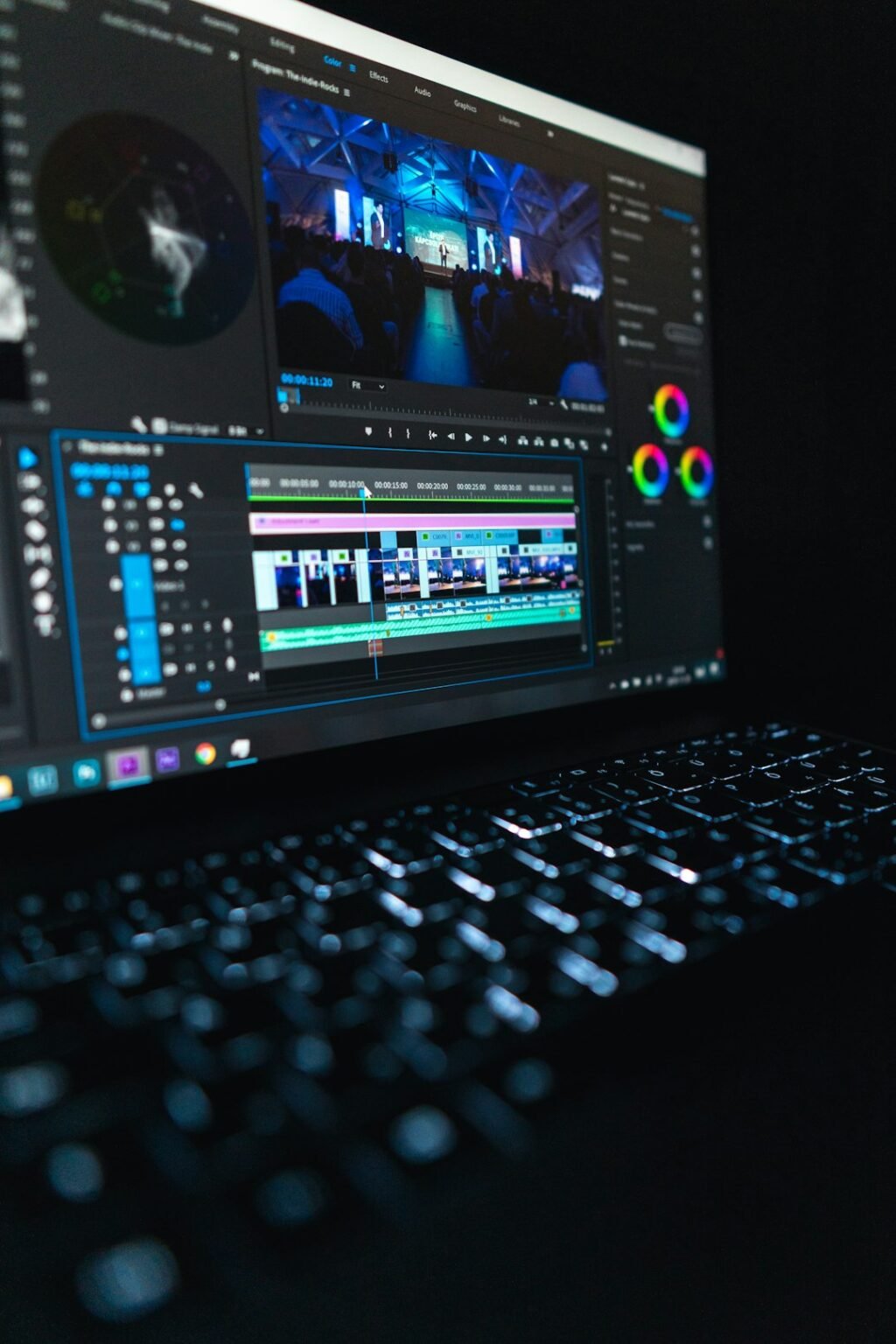
Photo by <a href="https://unsplash.com/@peter_s?utm_source=WP+Agent&utm_medium=referral">Peter Stumpf</a> on <a href="https://unsplash.com/?utm_source=WP+Agent&utm_medium=referral">Unsplash</a>
Creating high-quality videos used to require expensive cameras, professional editors, voice-over artists, and hours of work. In 2026, artificial intelligence is changing that process dramatically.
Disclosure: This article contains affiliate links to InVideo. If you make a purchase through an eligible link, BRAINORA may receive a commission at no additional cost to you. This does not affect the price you pay, and our content remains editorially independent.
Today, AI video generators can turn a simple text prompt into videos with scripts, AI voices, images, animations, captions, music, and even realistic digital presenters. This has opened video creation to beginners, marketers, businesses, and content creators who may have little or no editing experience.
The tools fall into a few distinct types, and the right one depends on what you’re making. Here’s the short version, then the detail.
Quick Picks: Which AI Video Tool for Which Job
| You want to… | Type of tool | Examples |
|---|---|---|
| Generate cinematic clips from a prompt | Generative video model | Google Veo 3.1, Kling, Runway, Seedance |
| Go from an idea to a finished, edited video with voiceover and captions | All-in-one “prompt to video” platform | InVideo AI |
| Use a talking presenter instead of filming yourself | AI avatar platform | HeyGen, Synthesia, Tavus |
| Edit existing footage faster | AI-assisted editor | Descript, CapCut |
| Build a custom, repeatable pipeline | Node-based / local workflow | ComfyUI |
Generative video models: Veo 3.1, Kling, Runway, Seedance
These models create footage itself from text or an image. Google’s Veo 3.1 is known for generating synchronised dialogue and ambient sound alongside the video; Kling and ByteDance’s Seedance are popular for image-to-video and motion quality; Runway pairs its own models with a full creative editing suite. They’re best for B-roll, ads and short cinematic shots. Expect to generate several takes, and check each tool’s commercial-use terms before using clips for a client. For a low-cost option with built-in audio, see our guide to xAI’s Grok Imagine Video.
One change worth knowing: OpenAI discontinued the consumer Sora app in April 2026 and scheduled the Sora API to shut down on 24 September 2026, so any tool that relied on Sora 2 has moved to other models. Our InVideo AI update covers what replaced it.
All-in-one platforms: InVideo AI
InVideo AI writes a script, picks footage or generates it with models such as Veo and Kling, then adds voiceover, music and captions, and lets you revise by chat or in a timeline editor. It suits YouTube, social and marketing videos where speed matters more than frame-level control. It runs on credits, so the cost per video depends on which models a project uses.
Avatar presenters: HeyGen, Synthesia, Tavus
Avatar tools turn a script into a video of a digital presenter, and many can translate it into other languages. HeyGen and Synthesia are widely used for training, explainers and marketing; Tavus focuses on personalised and conversational avatar video. See our guide to using Tavus AI. Check consent and likeness rules carefully before cloning anyone’s face or voice.
AI-assisted editors: Descript, CapCut
If you already film your own footage, an AI editor often saves more time than a generator. Descript lets you edit video by editing its transcript; CapCut is popular for quick vertical edits, auto-captions and templates for TikTok and Reels. For voiceovers to pair with any of these, see our ElevenLabs guide.
What Is an AI Video Generator?
An AI video generator is software that uses artificial intelligence to create or edit videos based on text prompts, images, scripts, or other instructions.
Depending on the platform, you can use AI to:
- Generate complete videos from text
- Create realistic video clips
- Generate AI presenters and avatars
- Produce voiceovers
- Add subtitles automatically
- Create animations
- Convert articles into videos
- Edit videos using text commands
- Generate marketing advertisements
- Create short-form social media content
This means the traditional video-production process is becoming much faster.
Why AI Video Generators Are Trending in 2026
The popularity of AI video tools is being driven by one major factor: speed.
A creator who previously needed several hours to produce a simple video can now generate an initial version within minutes.
For businesses, this can mean creating more advertisements and promotional videos.
For YouTubers, it can mean producing more content.
For bloggers, it can mean converting written articles into engaging videos.
For social media managers, it can mean creating multiple versions of the same idea for different platforms.
However, faster production doesn’t automatically mean better content. Human creativity and editing remain important.
1. Text-to-Video Is Changing Content Creation
One of the most exciting developments is text-to-video generation.
Instead of manually searching for footage, users can describe a scene and let an AI model generate a video.
For example:
Prompt:
“Create a cinematic futuristic city at night with autonomous vehicles, neon buildings, and flying drones.”
The AI can interpret the description and produce a visual sequence.
This technology is becoming particularly interesting for filmmakers, advertisers, educators, and social media creators.
2. AI Avatars Make Presenters Optional
AI avatars are another rapidly developing area.
Instead of recording yourself in front of a camera, you can create videos using a digital presenter.
These avatars can potentially be used for:
- Tutorials
- Corporate training
- Product demonstrations
- Educational videos
- News-style content
- Marketing presentations
- Social media videos
For businesses, this can reduce the need for repeated filming sessions.
3. AI Voiceovers Are Becoming More Natural
Voice generation has also improved considerably.
Modern AI voices can provide different accents, languages, tones, and speaking styles.
This is particularly useful for creators producing:
- YouTube videos
- Podcasts
- Educational content
- Product advertisements
- Explainer videos
- Short-form videos
But creators should still review AI-generated narration carefully for pronunciation, tone, and factual accuracy.
4. AI Can Turn Articles Into Videos
This is one of the most useful applications for bloggers and publishers.
A written article can be transformed into a video script, followed by AI-selected visuals, narration, captions, and background music.
For example:
Blog Article → AI Script → Visuals → Voiceover → Captions → Video
This allows publishers to distribute the same idea across multiple channels instead of relying only on Google search traffic.
5. AI Video Editing Is Becoming Easier
AI isn’t only useful for creating new videos.
It can also simplify editing.
Some modern tools allow users to give instructions in natural language, such as:
“Remove this scene.”
“Make the video shorter.”
“Add subtitles.”
“Change the voice.”
“Create a vertical version for TikTok.”
This makes video editing much more accessible to beginners.
Best AI Video Generators for Different Users
There isn’t one perfect tool for everyone.
For YouTube Creators
Look for platforms that provide:
- Long-form video support
- AI voiceovers
- Stock footage
- Automatic captions
- Script generation
- Easy editing
These features are especially useful for educational and faceless YouTube channels. To see where a video generator fits into a full production process, read our guide to YouTube automation with AI.
For TikTok and Reels
Prioritize:
- Short-form templates
- Vertical video
- Fast generation
- Automatic captions
- Trending formats
- Quick editing
The ability to create several variations can be particularly valuable for testing content.
For Businesses
Businesses should look for:
- Brand customization
- AI avatars
- Professional voiceovers
- Marketing templates
- Team collaboration
- Commercial-use options
For Professional Creators
Advanced creators, such as those building node-based pipelines in ComfyUI, may want greater control over:
- Camera movement
- Visual consistency
- Characters
- Style
- Resolution
- Editing
- AI-generated scenes
In this category, specialized generative-video models can be more useful than all-in-one beginner platforms.
AI Video Generators vs Traditional Editing
Traditional editing still offers the highest level of manual control.
You can choose every frame, transition, sound effect, and visual element.
But it requires more time and expertise.
AI takes a different approach:
Idea → Prompt → AI Generation → Human Editing → Final Video
This hybrid approach may ultimately become the preferred workflow for many creators.
Instead of replacing editors, AI can help them produce a first draft much faster.
The Biggest Problem With AI Video
AI-generated content can sometimes look generic.
If thousands of creators use similar prompts, templates, voices, and stock footage, their videos can start looking almost identical.
That’s why successful creators need something AI cannot automatically provide:
Original ideas and a recognizable creative identity.
Your storytelling, opinions, hooks, examples, editing decisions, and brand personality can make an AI-assisted video feel genuinely different.
Can AI Video Generators Create Viral Videos?
No tool can guarantee virality.
A technically impressive video can still receive very few views.
Successful social content usually depends on several factors:
- Strong opening hook
- Interesting topic
- Audience demand
- Good storytelling
- Retention
- Timing
- Thumbnail
- Title
- Distribution
- Consistency
AI can help with production, but it cannot guarantee that people will care about the content.
Titles, thumbnails, retention and a consistent schedule still decide whether a channel grows. Our guide to YouTube automation with AI shows where AI helps and where it doesn’t.
AI Video Generators for Businesses
Small businesses may benefit significantly from this technology.
A company can create promotional videos without hiring a complete production team for every campaign.
For example, one product could be turned into:
- A YouTube advertisement
- An Instagram Reel
- A TikTok video
- A product demonstration
- An educational video
- A customer FAQ
- A short promotional clip
This allows businesses to repurpose content more efficiently.
Important Things to Check Before Choosing a Tool
Before paying for an AI video platform, check:
Pricing
Understand monthly fees, credit limits, and what happens when your credits run out.
Video Quality
Don’t judge a platform only from promotional demos. Test it yourself.
Commercial Rights
If you’re creating content for a business, understand the platform’s licensing and commercial-use terms.
Watermarks
Some free plans may include watermarks.
Voice Quality
Listen carefully to AI voices before choosing a tool for professional content.
Generation Limits
A cheap plan may become expensive if you generate videos frequently.
Editing Features
A powerful generator is less useful if you cannot easily fix mistakes afterward.
The Future of AI Video Generation
The technology is moving toward increasingly sophisticated video creation.
Future AI video systems may offer better:
- Character consistency
- Physics
- Lip synchronization
- Camera control
- Realistic environments
- Long-form storytelling
- Audio generation
- Interactive editing
Eventually, creators may be able to describe an entire scene, character, camera movement, dialogue, music, and atmosphere using a single conversational instruction.
That could fundamentally change how movies, advertisements, educational videos, and social content are produced.
Should You Use an AI Video Generator in 2026?
If you regularly create video content, yes, it is worth experimenting with one.
You don’t necessarily need to abandon traditional editing.
Instead, use AI where it provides the biggest advantage:
Research → AI assistance → First draft → Human creativity → Final editing
This workflow can dramatically reduce repetitive work while keeping the final content authentic.
Conclusion
AI video generators are changing video production by making sophisticated creation tools available to people who previously needed professional editing skills.
From text-to-video generation and AI avatars to voiceovers, automatic editing, and social media content, the technology can save creators significant time.
But AI should be viewed as a creative assistant rather than a magic button.
The creators who succeed in 2026 will not necessarily be those who generate the most videos. They will be the ones who combine AI speed with original ideas, strong storytelling, human creativity, and consistent quality.
The future of video isn’t simply AI-generated content.
It’s human creativity powered by AI.
If an all-in-one platform suits you, you can try InVideo AI (affiliate link). Test any tool’s free tier with your own script before paying.
Sources: InVideo on the Sora 2 shutdown and replacement models; Versely, AI video generation models in 2026. Checked 5 October 2026.




7 thoughts on “Best AI Video Generators in 2026: Top Tools for YouTube & Social Media”