
How to Use Midjourney in 2026: Beginner’s Guide to V8.2, the Web App and Pricing
A step-by-step Midjourney beginner’s guide for 2026: the web app, V8.2, prompts, parameters, style references, video and UK/EU pricing.
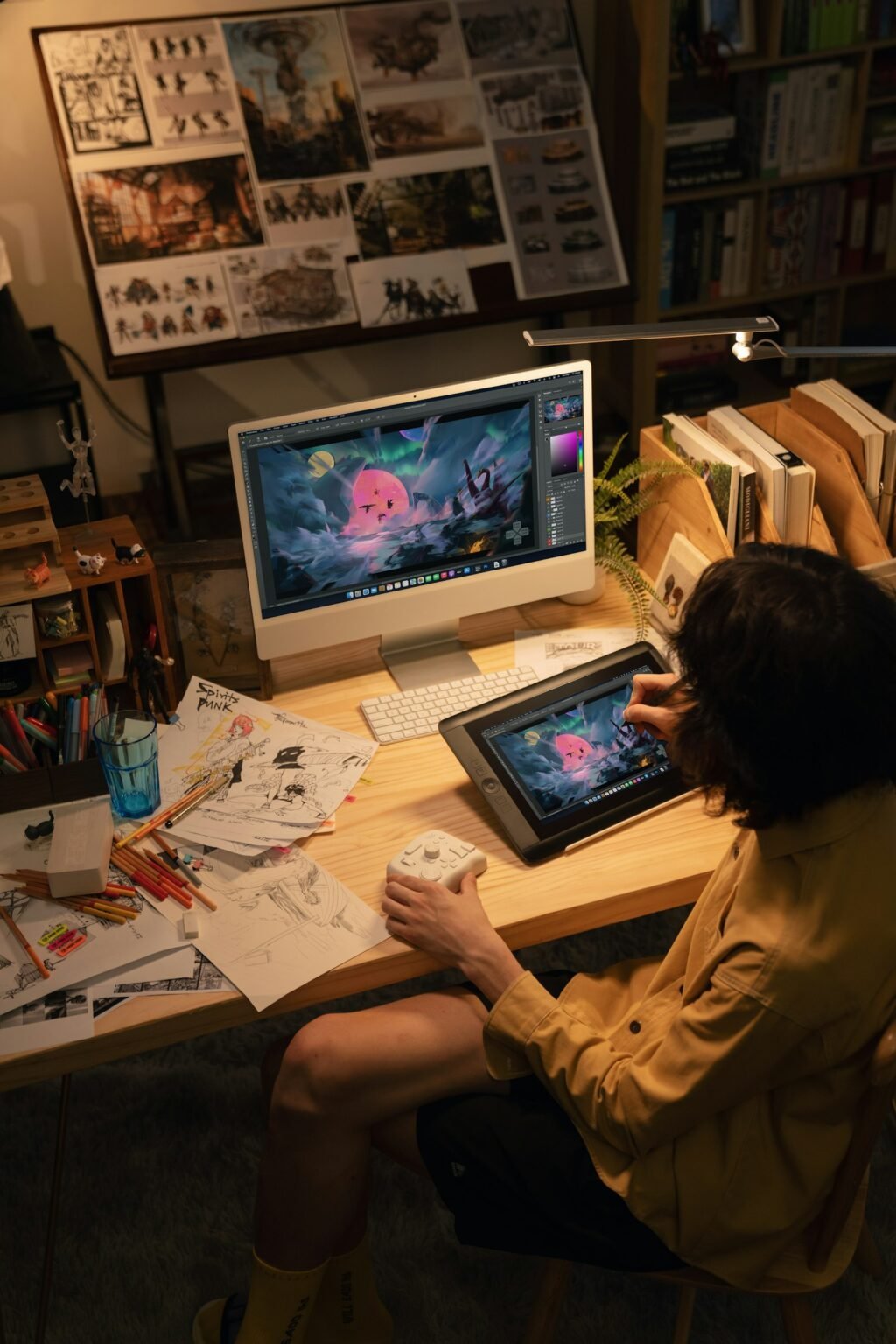
Photo by <a href="https://unsplash.com/@tourbox?utm_source=WP+Agent&utm_medium=referral">TourBox</a> on <a href="https://unsplash.com/?utm_source=WP+Agent&utm_medium=referral">Unsplash</a>
If you want to learn how to use Midjourney in 2026, the good news is that it is much easier than it used to be. You no longer need Discord, the default model is now V8.2, and in the past two weeks the web app has gained smarter editing, with style previews arriving on its alpha site. This beginner’s guide walks you through signing up, writing your first prompt, the settings and parameters that matter, editing and video, and which plan to choose, with prices checked for readers in the UK and Europe.
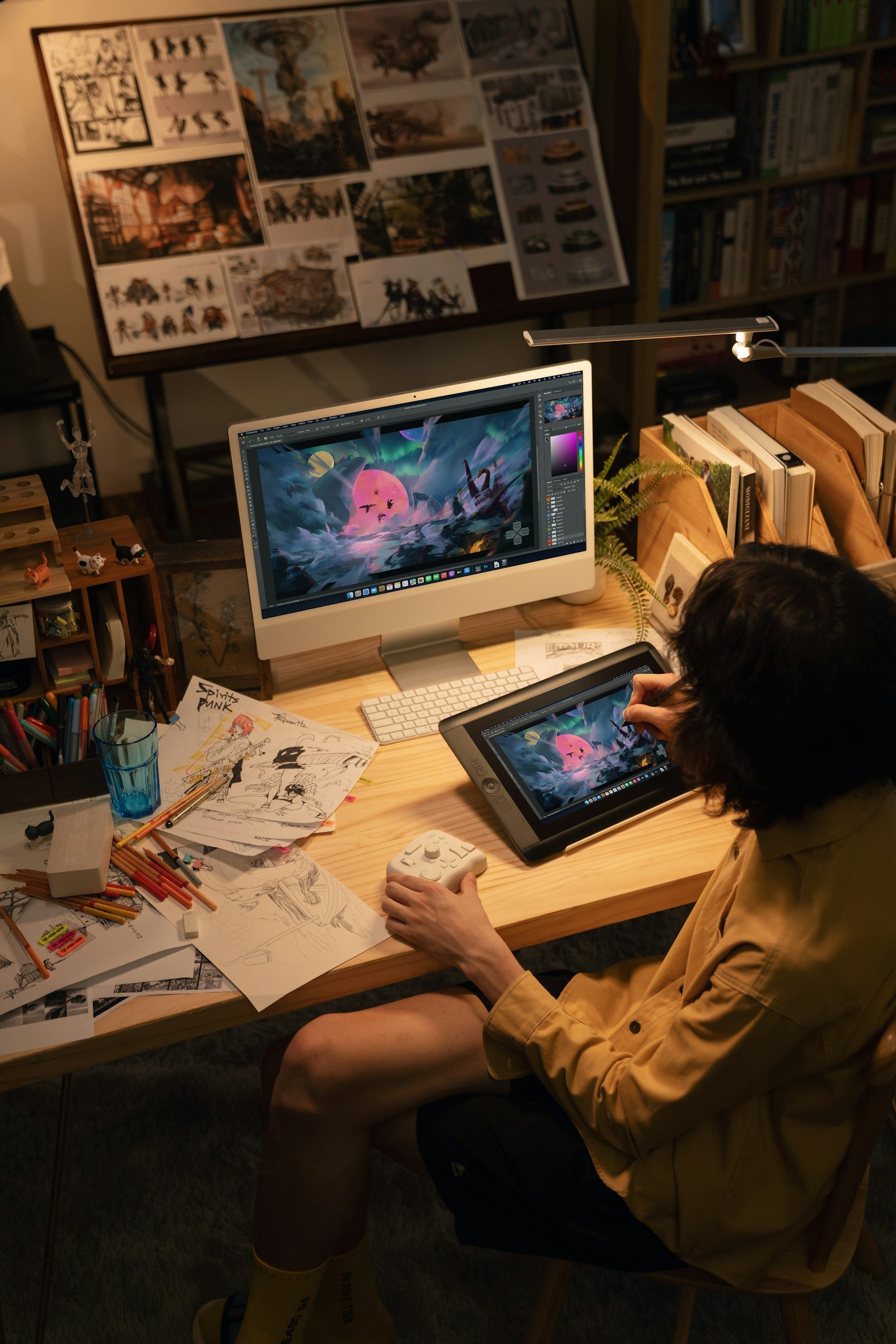
Everything below was checked on 3 October 2026 against Midjourney’s official getting-started guide, its version documentation, its plan comparison and the Alpha changelog published on 2 October. Midjourney updates often, so buttons may move.
What Is Midjourney?
Midjourney is an AI image generator from an independent research lab of the same name. You describe a picture in words, and it produces four images in a few seconds. It is known for a strong, artistic look, which is why designers, illustrators, marketers and hobbyists use it for concept art, mood boards, social graphics, book covers and product mock-ups. It can also turn images into short videos.
For a broader look at where tools like this fit in creative work, see our article on AI in art and creativity.
What’s new in Midjourney right now
- V8.2 is the default model (since 24 July 2026). Midjourney describes its output as “more creative, bold, sophisticated, and edgy”, and it comes with an improved Edit model.
- Better editing (24 September): targeted edits now change only the pixels you select, so you can make repeated fixes without the rest of the image degrading. Tiling also works without visible seams.
- Style previews and workflow upgrades (Alpha changelog, 2 October, on alpha.midjourney.com): style previews keep your prompt-bar settings, parameters can be saved per folder, several style references show as a single “pill”, and moodboard pages accept dropped files.
How to Use Midjourney: Step-by-Step for Beginners
Step 1: Sign up and choose a plan
Go to midjourney.com and log in. A subscription is required to create images; Midjourney’s plan comparison does not list a free trial. Basic, at $10 a month, is enough to learn on (see the pricing section below).
Step 2: Open the Create page
The Create page is your workspace. At the top is the prompt bar (Midjourney calls it the Imagine bar); below it, your images appear in real time. You do not need Discord. It still works for people who prefer it, but the website is now the main way to use Midjourney.
Step 3: Write your first prompt
Type a description and press Enter. Midjourney creates four variations. A good beginner prompt names three things: the subject, the setting and the style or mood.
Example: “a lighthouse on a rocky cliff at sunset, dramatic clouds, watercolour illustration”
Short, concrete prompts usually work better than long lists of keywords. If a prompt is very long, Midjourney’s prompt shortener can suggest a tighter version.
Step 4: Adjust the settings
Click the settings icon beside the prompt bar to set defaults instead of typing parameters every time:
- Aspect ratio: square for social posts, 16:9 for thumbnails and headers, 2:3 for posters and book covers.
- Stylize: how much of Midjourney’s own artistic flair to apply (0–1000; 100 is the default).
- Version: V8.2 by default. Choose V7 or Niji 7 (for anime styles) if you prefer their look.
- Speed: Fast, Relax (on Standard plans and above) or Turbo.
Step 5: Refine your images
Click any image to open it. From there you can:
- Vary it, with subtle or strong changes.
- Upscale it to a larger size.
- Edit it: select an area and describe what should change. This is now far more reliable after the September update.
- Zoom out or pan to extend the scene beyond its borders.
- Animate it to turn the still image into a short video.
Step 6: Organise and download
The Organize page holds everything you have made. Filter, sort, create folders and download your favourites. Since the latest update, you can also save prompt parameters per folder, which helps if you run several projects in different styles.
Midjourney Parameters Every Beginner Should Know
Parameters go at the end of a prompt and start with two dashes. These are the ones you will use most:
| Parameter | What it does | Example |
|---|---|---|
--ar |
Sets the aspect ratio | --ar 16:9 |
--s |
Stylize: more or less artistic flair | --s 250 |
--c |
Chaos: more varied results across the four images | --c 30 |
--no |
Excludes things you don’t want | --no text |
--sref |
Style reference: match the look of an image or style code | --sref [URL or code] |
--oref |
Omni reference: keep a person or object consistent | --oref [image URL] |
--p |
Applies your personalisation profile | --p |
--v |
Chooses the model version | --v 8.2 |
--tile |
Creates seamless repeating patterns | --tile |
--raw |
Less automatic beautification, more literal results | --raw |
Not every parameter works with every version. If one seems to be ignored, check the parameter page in Midjourney’s documentation for that model.
How to Get Consistent Styles: Sref Codes, Moodboards and Personalisation
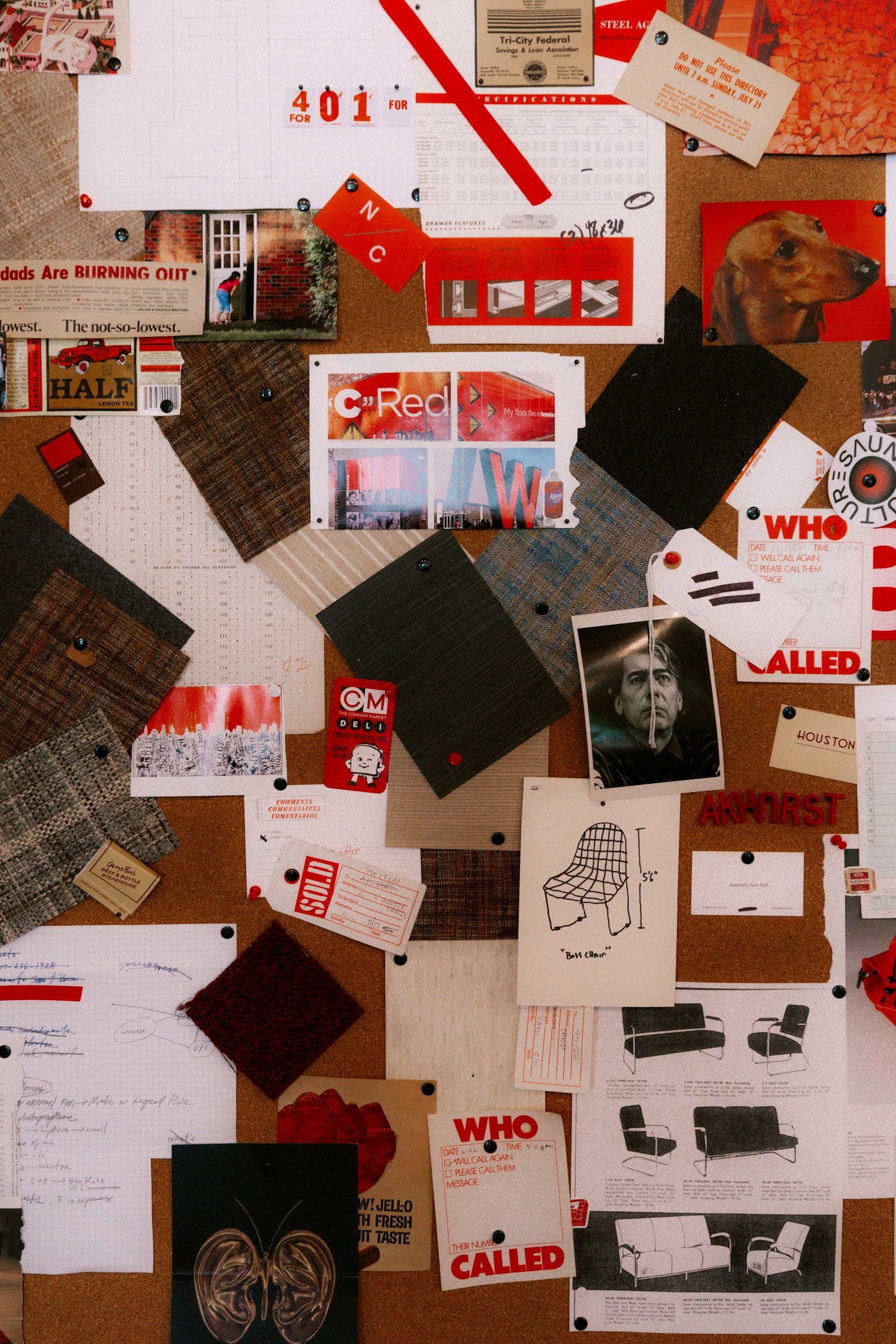
Consistency is what separates casual results from professional ones. Midjourney gives you three tools for it:
- Style references (
--sref): point Midjourney at an image or a numeric style code, and new images will follow its colours, textures and mood. The new style previews show how your prompt looks in different styles before you commit. - Moodboards: collect a set of images into a moodboard, and Midjourney builds a style from the whole collection. You can now drop files straight onto moodboard pages.
- Personalisation (
--p): on the Personalize page, pick the images you like best until the progress bar unlocks your profile. Adding--pthen nudges every image towards your taste. Midjourney notes that your V7 profile works in V8.1 and V8.2, but there is not yet a dedicated V8 profile.
How to Use Midjourney for Video
Click Animate on any image to turn it into a short clip, letting Midjourney decide the motion or describing it yourself. Video uses more GPU time than images. According to the plan comparison, Standard supports SD video, while Pro and Mega add HD video and unlimited SD video in Relax mode. If video is your main goal, compare Midjourney with dedicated tools in our guide to the best AI video generators.
Midjourney Pricing in 2026 (UK and Europe)
Midjourney prices are listed in US dollars. Annual billing saves 20%.
| Plan | Monthly | Annual (per month) | Fast GPU time | Relax mode | Stealth mode |
|---|---|---|---|---|---|
| Basic | $10 | $8 | 3.3 hours | No | No |
| Standard | $30 | $24 | 15 hours | Unlimited images | No |
| Pro | $60 | $48 | 30 hours | Unlimited images and SD video | Yes |
| Mega | $120 | $96 | 60 hours | Unlimited images and SD video | Yes |
Which plan should you choose?
- Basic is for learning. 3.3 hours of fast GPU time is enough to learn the basics, but there is no Relax mode, so you stop when the hours run out.
- Standard is the best value for regular users, because Relax mode gives unlimited (slower) image generations.
- Pro adds Stealth mode, which keeps your images out of the public gallery. That matters for client work. It also covers commercial use for larger companies (see below).
- Mega is for heavy daily use or teams sharing one account’s output.
If you are paying from the UK, Ireland, Germany, France, the Netherlands, Spain, Italy, Sweden or Poland, check the final amount on the checkout screen, as it may differ from the dollar list price.
Can you use Midjourney for free?
Not officially. Midjourney requires a subscription to generate images, and its plan page lists no free trial. Be wary of websites claiming to offer “Midjourney for free”; they are usually other image models or unofficial wrappers. If you want a free, open-source alternative, our ComfyUI beginner’s guide shows how to run image models on your own computer.
Can You Use Midjourney Images Commercially?
Yes, with conditions. Midjourney’s documentation says you own the images and videos you create, even after cancelling. However, if your company makes more than $1,000,000 a year in revenue, you need a Pro or Mega plan to use them commercially. Midjourney also says it cannot give copyright advice, and copyright rules for AI images differ between countries, so get legal advice for high-stakes uses such as trademarks.
For logos specifically, a dedicated logo or brand-kit tool is often more practical than an image generator, because logos need clean vector files and consistent variations that image models don’t produce reliably.
Practical Uses and Prompt Ideas
- YouTube thumbnails and channel art: “bold close-up of a surprised astronaut, bright yellow background, high contrast –ar 16:9”. Our YouTube automation guide shows where this fits in a full workflow.
- Blog and social images: keep a style reference so every post looks like it belongs to the same brand.
- Interior and architecture concepts: “Scandinavian living room, morning light, oak floor, photographic –ar 3:2”.
- Children’s book illustrations: use Omni reference to keep a character consistent across pages.
- Patterns and textures: add
--tilefor fabric, wallpaper or game textures.
Common Midjourney Mistakes (and How to Fix Them)
- Overloaded prompts: fifty comma-separated keywords confuse the model. Describe the scene in a sentence instead.
- Expecting perfect text: lettering has improved but still fails sometimes. Add text in a design tool afterwards if it matters, or try Google’s Nano Banana 2.1 image model, which focuses on cleaner text rendering.
- Forgetting aspect ratio: set it before you generate, because cropping later wastes detail.
- Burning fast hours: on Standard and above, switch to Relax mode for experiments and save Fast for deadlines.
- Publishing client work publicly: without Stealth mode (Pro and Mega), your images can appear in Midjourney’s gallery.
FAQ
Do I need Discord to use Midjourney?
No. You can use Midjourney entirely on its website. Discord is still supported for people who prefer it and for the community.
Is Midjourney free?
No. A paid plan is required, starting at $10 a month (or $8 a month billed annually). Midjourney’s plan comparison lists no free trial.
What is the latest Midjourney version?
V8.2 is the default model as of October 2026. You can switch to V8.1, V7, older versions or Niji 7 in settings or with --v.
Is Midjourney available in the UK and Europe?
Yes. Midjourney works in the UK and EU through its website, with prices shown in US dollars.
How many images can I make on the Basic plan?
Basic includes 3.3 hours of fast GPU time a month. The exact number of images depends on settings such as resolution and video, so watch your remaining time in your account.
Final Thoughts
Learning how to use Midjourney comes down to a few habits: write clear, specific prompts, set your aspect ratio first, use style references and personalisation for consistency, and pick the plan that matches how often you create. With V8.2, the improved editor and the new style previews, the web app is the easiest way yet to get professional-looking images. Start on Basic, learn the core parameters, and upgrade only when you hit the limits.
For more tools worth exploring alongside Midjourney, see our list of the best AI tools for work and productivity.
Sources: Midjourney getting-started guide; Midjourney versions; Midjourney plans; parameter list; personalisation; commercial use; 24 September update; Alpha changelog, 2 October. Checked 3 October 2026.



2 thoughts on “How to Use Midjourney in 2026: Beginner’s Guide to V8.2, the Web App and Pricing”