
Mistral Vibe (Formerly Le Chat): How to Use It, Pricing and Tips for Beginners
Le Chat is now Mistral Vibe. Learn how to use it step by step, what Free vs Pro includes, verified pricing, and what UK and EU users should know.

Photo by <a href="https://unsplash.com/@ricaros?utm_source=WP+Agent&utm_medium=referral">Danial Igdery</a> on <a href="https://unsplash.com/?utm_source=WP+Agent&utm_medium=referral">Unsplash</a>
Mistral Vibe is the new name for Le Chat, the AI assistant from Paris-based Mistral AI. If you used Le Chat and suddenly found a different product at the same address, or you are in the UK or the EU and looking for a European alternative to ChatGPT, this guide explains what changed, how to use Mistral Vibe step by step, what the Free and Pro plans include, and where the tool still falls short.
Everything below is checked against Mistral’s own announcement, pricing page and documentation. Where something could not be verified, we say so.

What Is Mistral Vibe? (Le Chat Is Now Vibe)
On 28 May 2026, Mistral AI announced that Le Chat had become Vibe: a single agent and a single licence covering both everyday work and coding. According to Mistral’s help centre article on the change, your account, plan, conversations and saved content all carried over. You still sign in at chat.mistral.ai with the same login.
The biggest difference is ambition. Le Chat was mainly a chatbot you talked to turn by turn. Mistral Vibe is built to take a goal, plan the steps, use your connected apps and hand back a finished draft, a report or a code change.
The three modes of Mistral Vibe
- Work – the main mode on web and mobile. It handles quick questions and longer, multi-step tasks such as research briefs, document summaries and email drafts.
- Code – the developer mode, available as a command-line tool, a VS Code extension and remote sessions on the web.
- Chat (legacy) – the old turn-based Le Chat experience. Mistral’s documentation says it is being phased out, with self-serve Free, Pro and Team accounts moving to the unified Work experience first.
If you are new to the idea of AI that plans and acts rather than just replies, our explainer on how agentic AI is changing business gives useful background.
How to Use Mistral Vibe: Step-by-Step for Beginners
Step 1: Create an account or sign in
Go to chat.mistral.ai and sign up, or sign in with your existing Le Chat account. On mobile, download the app from the App Store or Google Play. Note that the App Store link still carries the old “Le Chat” name in its address, so searching for either name should lead you to the same app.
Step 2: Open Work mode
Mistral’s getting-started guide describes the flow:
- Open chat.mistral.ai/work.
- If the sidebar is hidden, press
Cmd+Shift+Bon a Mac orCtrl+Shift+Bon Windows and Linux. - Select Work in the mode selector. Vibe remembers your last choice, so if Code opens by default, switch it once.
Step 3: Choose fast or think
Work has a fast/think toggle. Use fast for quick back-and-forth questions, such as checking a definition or rewording a sentence. Switch to think when the task needs several steps, several sources or actions inside your connected tools. This toggle replaces the separate “Think mode” from the Le Chat days.
Step 4: Write a prompt that describes the outcome
Vibe works best when you describe the result you want rather than the steps. A strong prompt covers four things: the output, the sources to use, the audience and any constraints. Compare these two:
- Weak: “Tell me about the EU AI Act.”
- Strong: “Research the EU AI Act obligations for small software companies, use official EU sources, and write a one-page brief for our non-technical managers in plain English. Keep it under 500 words.”
The second prompt gives Vibe enough to plan properly and gives you something you can actually share.
Step 5: Follow the progress and approve sensitive actions
On longer tasks, Vibe shows a live to-do panel and each tool call as it happens. It may ask follow-up questions if your request is unclear. Before anything sensitive, such as sending an email, posting a message, creating a calendar event or changing data in another app, it asks for your approval. If it heads in the wrong direction, press the stop button and redirect it with a new message.
Step 6: Review before you use the result
Mistral itself advises treating outputs as drafts. Check facts, names, dates, figures and source links before sharing anything, and verify extracted information against the original document when accuracy matters.
Key Mistral Vibe Features Worth Knowing
- Connectors: Mistral says Vibe integrates with 100+ tools, including email, calendar, Slack, GitHub and Jira, and supports MCP for custom connections.
- Files and Canvas: upload PDFs, spreadsheets, presentations or images, and let Vibe draft documents, briefs or decks in an editable canvas.
- Libraries and Knowledge Base: keep reference documents indexed so you don’t re-upload them. The Knowledge Base replaces Le Chat’s old “Memories” feature.
- Skills: reusable instructions for repeat tasks, invoked with
@. Skills replace the old Le Chat “Agents”, and Deep Research now runs as a Skill. - Scheduled tasks: run a prompt once or on a daily, weekly, monthly or yearly cadence, for example a Monday-morning summary of last week’s emails.
- Voice input: powered by Mistral’s Voxtral speech models.
- Image generation: available on all plans, with much higher limits on paid tiers.
- Custom instructions: set your preferred tone, format and language once instead of repeating them in every prompt.
- Temporary Chat: conversations that are excluded from your history, search, memory and model training.
Old Le Chat features and where they went
| Le Chat feature | Where to find it in Mistral Vibe |
|---|---|
| Agents | Skills (invoke with @) |
| Think mode | Fast/think toggle in Work |
| Deep Research | Deep Research Skill |
| Code Interpreter | Native Code Interpreter in Work (paid plans) |
| Memories | Knowledge Base |
Source: Mistral documentation.
Using Vibe Code for Programming
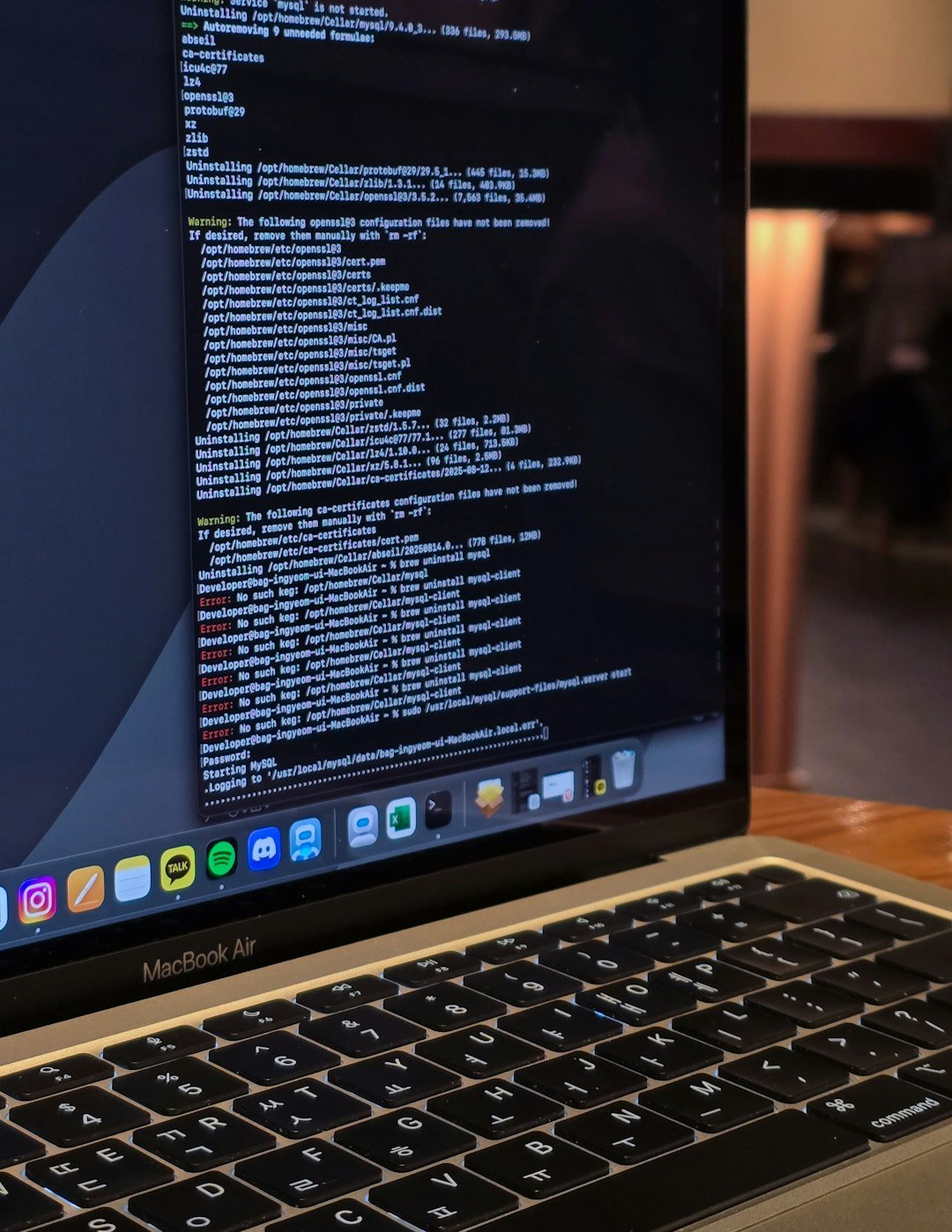
Developers get a separate mode aimed at real codebases. According to Mistral, you can use Vibe Code in three places:
- Terminal (CLI): install it with
uv tool install mistral-vibe, or with the install script shown in Mistral’s announcement. - VS Code: through the official Mistral Vibe extension, which reads open files and works in a side panel. Mistral also lists JetBrains and Zed support.
- Web: remote sessions at chat.mistral.ai/code that connect to a GitHub repository, run in an isolated sandbox and can end in a pull request.
Practical first tasks include “explain how authentication works in this repo”, “add unit tests for this function” or “run the test suite, fix what fails and open a PR”. As with any coding agent, review every diff before you merge it.
Mistral Vibe Pricing: Free vs Pro vs Team
These prices come from Mistral’s official pricing page (checked 27 September 2026). They are shown in US dollars and exclude taxes.
| Plan | Price | Best for |
|---|---|---|
| Free | $0 | Trying Vibe, quick answers, simple tasks |
| Pro | $14.99/month | Complex tasks, deeper reasoning, all-day coding |
| Team | $24.99/user/month | Shared workspace with admin controls |
| Enterprise | Custom quote | Private deployments, custom models, SSO, audit logs |
What Free includes: limited messages and web searches, limited coding sessions, image generation, 100+ connectors, up to five scheduled tasks and limited document uploads.
What Pro adds: Mistral lists up to 6x the messages and 5x the web searches of the Free plan, up to 40x more image generations, up to 15GB of library storage, more scheduled tasks (subject to fair use) and chat and email support.
Team adds up to 30GB of storage per user, domain verification and data export.
Student discount: Mistral’s pricing FAQ says verified students can get Pro for $5.99 per month. The pricing page adds that this applies for up to 12 months, to students at accredited higher-education institutions who have not used Vibe or Le Chat before.
Mistral Vibe pricing in the UK and Europe (EUR)
Mistral’s pricing page has a currency switch (USD or EUR) and a country selector covering EU member states, including Germany, France, Spain, Italy, the Netherlands, Sweden, Poland and Ireland, plus the United Kingdom. We could not reliably verify the exact euro or local price for each country, so we are not quoting one here. If you are in Europe, select your country on the pricing page to see the figure that applies to you, including whether taxes such as VAT are shown.
If you are weighing costs against other assistants, our comparison of ChatGPT vs Gemini vs Claude covers the main alternatives, and our report on OpenAI’s GPT-6 Sol and Luna pricing shows how quickly the market is moving. To compare Mistral’s Pro plan with Anthropic’s options, see our overview of Claude Pro and Max plans, and for OpenAI’s line-up, our guide to ChatGPT Go, Plus and Pro pricing.
Why European Users Look at Mistral Vibe

Mistral AI is a French company, and that matters to many users in France, Germany, the Netherlands and across the EU who prefer a European AI provider. A few practical points:
- Data residency for organisations: Mistral states that Enterprise customers can deploy Vibe on-premises, in a private cloud or on Mistral Cloud with full data residency.
- Training controls: the pricing page lists a model-training opt-out on paid plans, and Temporary Chat keeps a conversation out of model training. Check the privacy policy and the Trust Center for the rules that apply to your plan.
- Language support: Mistral’s help centre is available in English, French and Italian. For replies in German, Spanish, Polish or another language, set your preferred language in custom instructions and test it on your own tasks.
- Enterprise adoption: Mistral’s own site lists European organisations such as ASML, BNP Paribas, SNCF and Stellantis among its customers.
Privacy is a live issue across the AI industry. For one recent example of why settings matter, see our coverage of OpenAI’s ad-tracking cookie.
Mistral Vibe Pros and Cons
Pros
- Genuinely useful free plan with web search, image generation and connectors.
- Pro plan priced at $14.99/month, below many rival premium plans.
- One product for everyday work and coding.
- Clear approval prompts before sensitive actions, with visible tool calls.
- European company with enterprise data-residency options.
Cons
- The rename and ongoing mode migration can confuse former Le Chat users.
- Free-plan limits on messages, searches and coding sessions are real; Mistral does not publish exact daily numbers for every feature.
- Code Interpreter inside Work is limited to paid plans.
- Connector quality depends on the third-party app and your organisation’s settings.
- Like every AI assistant, it can make mistakes, so outputs need checking.
Practical Examples to Try Today
- Freelancers: “Summarise this client brief and list every deliverable with its deadline.”
- Students: “Explain this research paper in simple terms and list three questions I should ask my tutor.”
- Marketers: “Compare these two landing-page drafts and suggest a clearer headline for UK readers.”
- Small business owners: “Every Monday at 8am, summarise last week’s customer emails by theme.” (a scheduled task)
- Developers: “Add unit tests for parseInvoice that match the existing test style.”
For more ideas on building AI into a daily routine, see our guide to the best AI tools for work and productivity and our overview of AI automation for businesses.
Mistral Vibe FAQ
Is Le Chat still available?
Le Chat has been renamed Mistral Vibe. The same address, chat.mistral.ai, and the same login still work, and your history carries over. The old turn-based Chat tab is being phased out in favour of Work mode.
Is Mistral Vibe free?
Yes. The Free plan costs nothing and includes limited messages, web searches, coding sessions and image generation. Pro costs $14.99 per month (excluding taxes) for higher limits.
Can I use Mistral Vibe on my phone?
Yes. Mistral Vibe is available for iOS and Android, and you can use Work mode on mobile.
Is Mistral Vibe a good ChatGPT alternative in Europe?
It is a strong option if you want a European provider, a capable free tier and a lower-priced paid plan. Whether it beats ChatGPT depends on your tasks, so test both with your real work before paying for either. If you are also weighing a research-focused option, our comparison of Perplexity and ChatGPT can help.
Final Verdict: Should You Use Mistral Vibe?
Mistral Vibe is more than a new name for Le Chat. It is Mistral’s move from a chatbot to an agent that plans tasks, works across your apps and writes code. For beginners, the free plan is enough to learn the basics: open Work mode, describe the outcome you want, approve actions as they come up and review the result. Upgrade to Pro only when you regularly hit the limits or need all-day coding.
For readers in the UK and the EU, the European origin, training opt-out and enterprise data-residency options make Mistral Vibe worth a serious look. Just check your local price on the official pricing page before you subscribe.
Sources: Mistral Vibe product page, Mistral announcement (28 May 2026), Mistral pricing, Mistral Vibe documentation, Mistral Help Center. Information checked on 27 September 2026; features and prices can change.





1 thought on “Mistral Vibe (Formerly Le Chat): How to Use It, Pricing and Tips for Beginners”