
Nano Banana vs Midjourney (2026): Pricing, Features and Which to Choose
Google’s Nano Banana and Midjourney compared on pricing, editing, text rendering, style control and commercial use, with clear recommendations for different users.
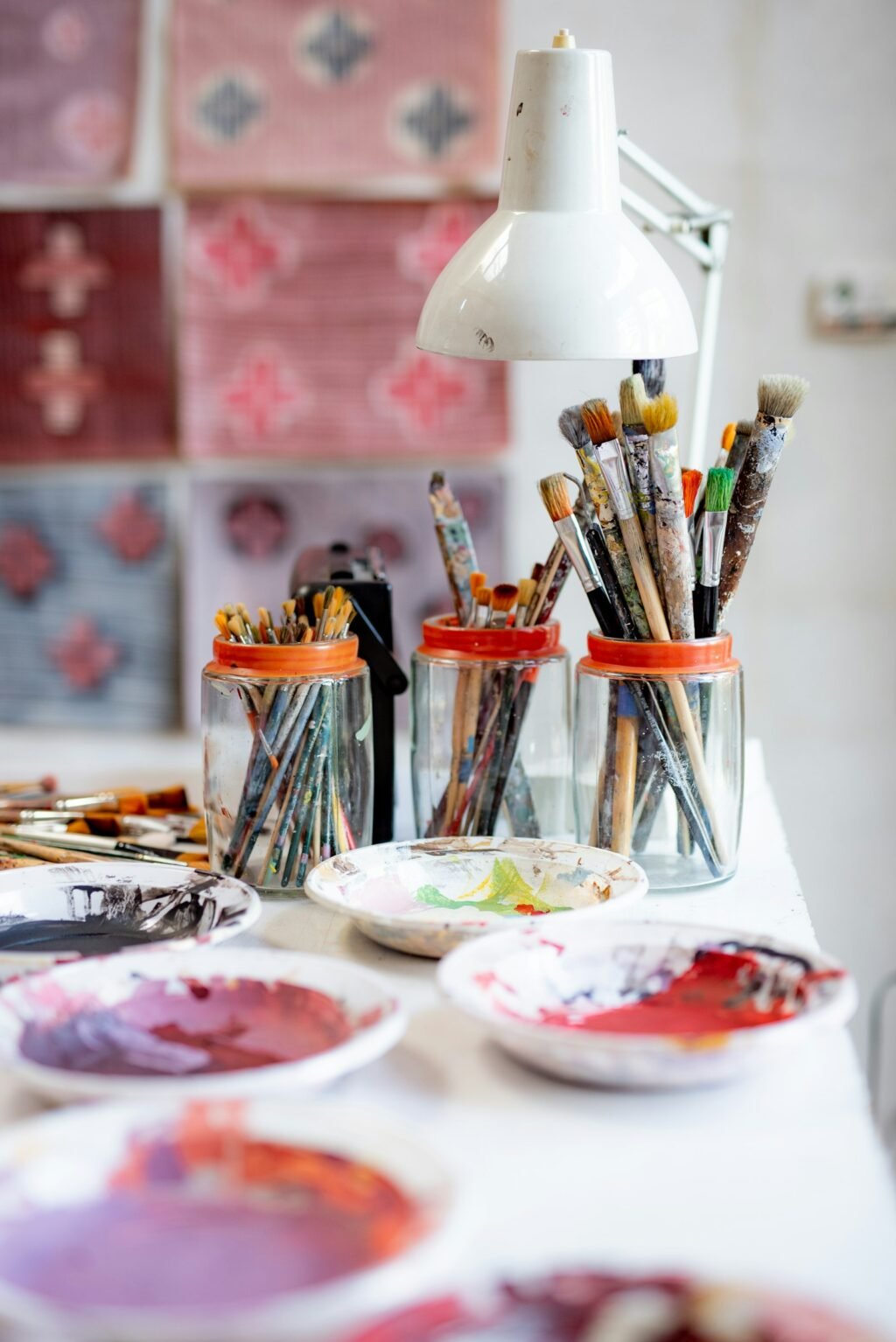
Photo by <a href="https://unsplash.com/@lauraadaiphoto?utm_source=WP+Agent&utm_medium=referral">laura adai</a> on <a href="https://unsplash.com/?utm_source=WP+Agent&utm_medium=referral">Unsplash</a>
Nano Banana vs Midjourney is one of the most common questions people ask before choosing an AI image generator. Both can produce striking pictures, but they are built for different jobs: Google’s Nano Banana models are fast, cheap and strong at editing and readable text, while Midjourney is a dedicated art tool known for its distinctive style and fine creative control. This comparison sets out the differences in pricing, features, image editing, text, commercial use and access, so you can decide which one suits your work.

This comparison is based on official documentation and pricing pages checked in October 2026: Google’s Gemini API documentation, pricing page and DeepMind model card for Nano Banana, and Midjourney’s official guides and plan comparison. We have not run our own side-by-side image tests, so where quality is discussed we rely on the developers’ own descriptions and published evaluations, and we say so.
Nano Banana vs Midjourney: Quick Verdict
- Choose Nano Banana if you want a free way to start, conversational editing of your own photos, accurate text in images (posters, menus, infographics), or a low-cost API for apps and bulk work.
- Choose Midjourney if you want a strong, artistic look, detailed control through parameters, consistent styles via style references and moodboards, and a dedicated creative workspace.
- Use both if you work professionally: a practical approach is to generate artistic concepts in one tool and make precise edits or text-heavy versions in the other.
What Are Nano Banana and Midjourney?
Nano Banana is Google’s name for the image generation and editing models in Gemini. The current family is Nano Banana 2.1 (the everyday model, released on 6 October 2026), the budget Nano Banana 2 Lite and the premium Nano Banana Pro. You use them by chatting in the Gemini app, in Google tools such as Flow, or through the Gemini API. Our Nano Banana 2.1 guide covers the new model in detail.
Midjourney is an independent AI image lab and app. You type a prompt on its website (Discord is optional), and it returns four images. Its default model is V8.2, and it offers editing, style references, personalisation and short video animation. See our Midjourney beginner’s guide for a walkthrough.
Side-by-Side Comparison
| Feature | Nano Banana (Google) | Midjourney |
|---|---|---|
| Free option | Yes, in the free Gemini app (with limits) | No free plan or trial listed |
| Paid entry price | Google AI Plus £4.49/month (UK); API from $0.0336 per 1K image | Basic $10/month ($8 billed annually) |
| How you use it | Chat in Gemini, Google Flow, Gemini API | Midjourney website (or Discord) |
| Images per prompt | Typically one, refined by chatting | Four variations |
| Max resolution | Up to 4K (2.1 and Pro) | Upscale options in the app |
| Editing | Conversational and multi-turn edits; up to 14 reference images on 2.1 | Select-and-edit, vary, pan, zoom out |
| Style control | Through prompts and reference images | Parameters, style references (--sref), moodboards, personalisation |
| Text in images | A stated strength of Nano Banana 2.1 | Improved but can still fail; add critical text in a design tool |
| Video | Through Google Flow and Veo (separate models) | Animate images into short clips |
| Watermark | Invisible SynthID on every image | Check Midjourney’s terms |
| Official developer API | Yes, Gemini API | Not covered in Midjourney’s plan comparison |
Pricing Compared
Nano Banana pricing
You can generate images with Nano Banana in the free Gemini app, within daily usage limits. Paid Google AI plans raise those limits; in the UK they cost £4.49 a month for Google AI Plus, £18.99 for Google AI Pro and from £79.99 for Google AI Ultra, as explained in our Gemini pricing guide. Gemini’s help page says downloads are 1K without an AI plan and 2K with one.
Developers pay per image through the API. Google’s pricing page lists Nano Banana 2.1 at $0.0336 for a 1K image, $0.0504 for 2K and $0.113 for 4K, with batch jobs at half price. Nano Banana Pro costs $0.134 per 1K or 2K image and $0.24 at 4K.
Midjourney pricing
| Plan | Monthly | Annual (per month) | Fast GPU time | Relax mode | Stealth mode |
|---|---|---|---|---|---|
| Basic | $10 | $8 | 3.3 hours | No | No |
| Standard | $30 | $24 | 15 hours | Unlimited images | No |
| Pro | $60 | $48 | 30 hours | Unlimited images and SD video | Yes |
| Mega | $120 | $96 | 60 hours | Unlimited images and SD video | Yes |
Value verdict: for occasional use, Nano Banana is far cheaper because you can start free. For heavy artistic work, Midjourney Standard’s unlimited Relax-mode images can be good value. For apps and automation, Nano Banana’s official per-image API is the practical option.
Image Quality and Style
Quality is subjective, and we have not run our own controlled test. Here is what each company says, and where the published evidence points:
- Midjourney describes V8.2 as “more creative, bold, sophisticated, and edgy”. Its distinctive look is its main selling point, and tools such as stylise settings, style references and personalisation let you push that look further.
- Nano Banana 2.1 is positioned by Google as an everyday model with better visual quality, prompt adherence, character consistency and text rendering. In Google’s own human-preference tests on its model card, 2.1 scored an Elo of 1,050 for overall text-to-image preference, against 990 for Nano Banana 2 and 935 for Nano Banana Pro. Those are Google’s figures and do not include Midjourney.
Based on how each company positions its product, Midjourney is aimed at mood, illustration and concept art, while Nano Banana is aimed at literal, controllable edits and designs that need specific elements. Test both with your own prompts before committing.
Editing and Consistency
This is where the tools differ most in how they feel to use.
Nano Banana works through conversation. You upload a photo and say “replace the background with a London street at night” or “make the jacket blue”, and keep refining in follow-up messages. Nano Banana 2.1 accepts up to 14 reference images, including up to 10 objects and 4 characters, which helps keep products or people consistent across edits.
Midjourney gives you tools inside its editor: select an area and describe a change, create subtle or strong variations, zoom out or pan to extend a scene, and upscale. For consistency, it relies on Omni reference (--oref) for people and objects, style references (--sref) and moodboards for a look, and a personalisation profile for your taste.
Text, Logos and Infographics
If your images need words, such as event posters, menus, social graphics or diagrams, Nano Banana has the edge on paper. Google lists text rendering and infographic accuracy among Nano Banana 2.1’s main improvements, and its model card reports an infographic factuality score of 0.521 versus 0.265 for Nano Banana Pro. It also warns that small text and long paragraphs can still render poorly.
Midjourney’s lettering has improved, but our Midjourney guide notes that it still fails sometimes and that critical text is best added in a design tool afterwards. For logos, neither tool produces the clean vector files a brand needs, so treat both as concept tools.
Commercial Use and Safety
- Midjourney: its documentation says you own the images you create, even after cancelling, but companies with more than $1,000,000 in annual revenue need a Pro or Mega plan for commercial use. Without Stealth mode (Pro and Mega), your images can appear in Midjourney’s public gallery.
- Nano Banana: every image carries an invisible SynthID watermark, which helps identify it as AI-generated. Check Google’s terms for the product you use.
- Both: do not generate realistic images of real people without consent, and check copyright and trademark risks before using images in advertising.
Which Should You Choose? Real Scenarios
- Small business owner making social posts: Nano Banana, because you can start free, edit your own product photos and add readable text.
- Illustrator or concept artist: Midjourney, for its style, variations and moodboards.
- Architect or interior designer: both appear in searches for this use. Midjourney suits atmospheric concept renders; Nano Banana suits editing a real photo of a room with specific changes.
- Developer building an app: Nano Banana through the official Gemini API.
- YouTuber designing thumbnails: Nano Banana for text and faces you supply; Midjourney for striking backgrounds.
- Video creators: both can create a first frame for image-to-video tools such as Grok Imagine Video.
If you want full control and no subscription, a local workflow is a third option; our ComfyUI guide explains how to run open image models on your own computer. Marketers comparing wider toolkits can also see our AI tools for marketing roundup.
Pros and Cons
Nano Banana
Pros: free to start; conversational editing; strong text rendering according to Google; up to 4K; low-cost API; SynthID watermark. Cons: usage limits on the free plan; less distinctive artistic style; small text can still fail; rollout of the newest version is gradual.
Midjourney
Pros: distinctive artistic quality; four variations per prompt; deep style control; unlimited Relax-mode images on Standard and above; video animation. Cons: no free plan; text can be unreliable; no official API in its plan comparison; public gallery unless you pay for Stealth mode.
Can You Use Both Together?
Yes, and for many creators that is the most practical answer. A common workflow is to explore looks and moods in Midjourney, pick the strongest image, then bring it into Gemini to make targeted changes in plain language, such as swapping a background, fixing a detail or adding readable text. Going the other way also works: draft a clean layout or product shot with Nano Banana, then use it as a reference image in Midjourney to push it towards a particular style.
If you combine tools, keep a note of which one produced each final image and check both services’ current terms before using the result commercially, because the rules on ownership, attribution and visible watermarks differ between them.
Frequently Asked Questions
Is Nano Banana better than Midjourney?
Not overall. Nano Banana is usually better for editing, realistic changes and text in images, and it is free to start. Midjourney is usually preferred for artistic style and creative control.
Is Nano Banana free?
Yes, you can use it in the free Gemini app within usage limits. The Gemini API has no free tier for Nano Banana 2.1.
Does Midjourney have a free trial?
Midjourney’s plan comparison does not list a free trial. Plans start at $10 a month.
Which is better for architecture?
Midjourney suits mood and concept renders; Nano Banana suits precise edits to existing photos and plans. Testing both on the same brief is the best way to decide.
Can I use Nano Banana and Midjourney images commercially?
Midjourney says you own your images, with a Pro or Mega plan required for companies earning over $1 million a year. For Nano Banana, check the terms of the Google product you use. Always consider copyright and likeness rights.
Conclusion
The Nano Banana vs Midjourney decision comes down to purpose. Pick Nano Banana for free access, photo editing, readable text and API use; pick Midjourney for artistic style and creative control. If neither fits, our guide to the best Midjourney alternatives compares Adobe Firefly, Ideogram, FLUX and more. If images are central to your work, try Nano Banana free in Gemini, add a month of Midjourney Basic, run the same five prompts through both, and keep the one whose results you would actually publish.
Sources: Gemini API – image generation; Gemini API pricing; Google DeepMind – Nano Banana 2.1 model card; Gemini Apps Help – images; Google – Gemini plans (UK); Midjourney – plan comparison; Midjourney – versions; Midjourney – commercial use.




2 thoughts on “Nano Banana vs Midjourney (2026): Pricing, Features and Which to Choose”