
9 Best Midjourney Alternatives in 2026 (Free and Paid, With UK Prices)
The best Midjourney alternatives in 2026, from free options like Nano Banana to Adobe Firefly, Ideogram, FLUX, Leonardo and open-weight models, with prices and licence notes.
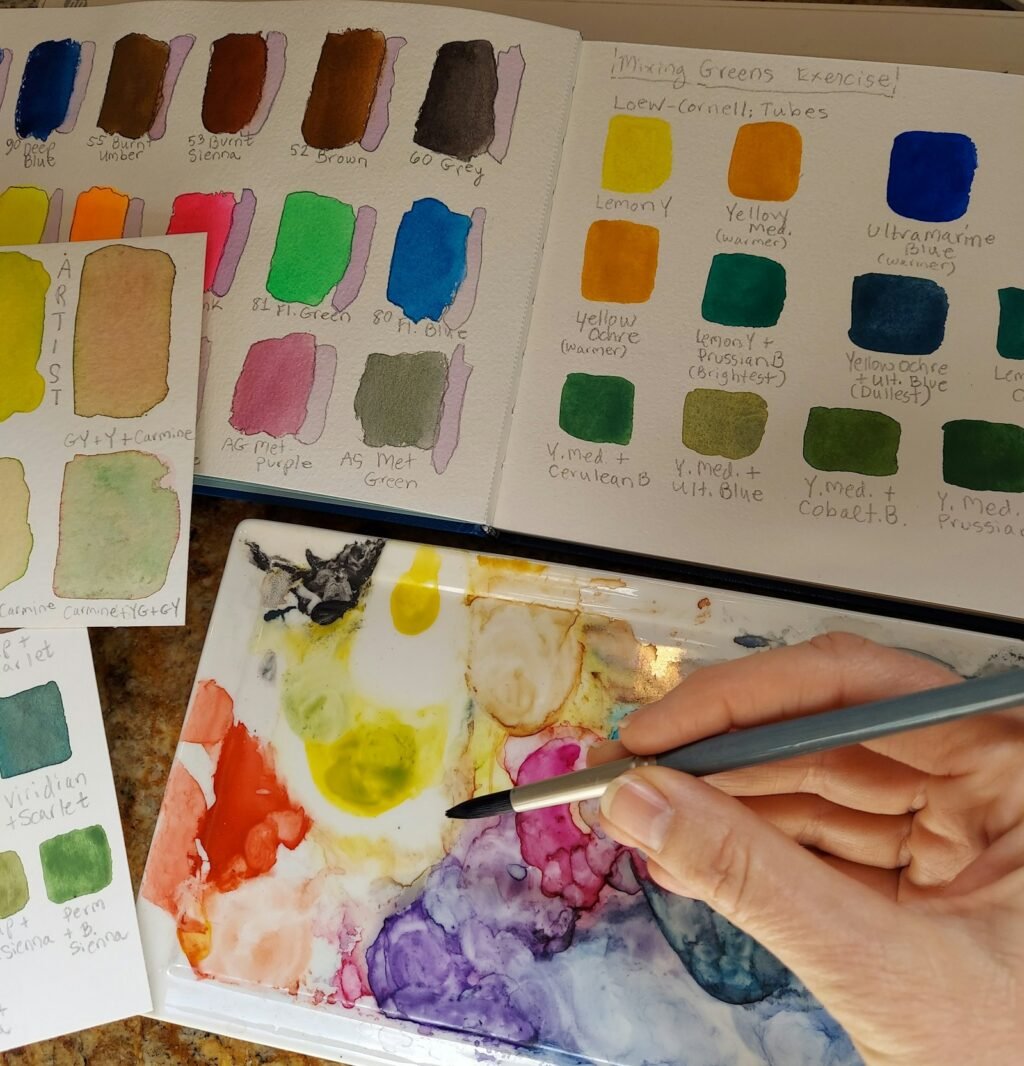
Photo by <a href="https://unsplash.com/@sherma?utm_source=WP+Agent&utm_medium=referral">Sherma Lewis</a> on <a href="https://unsplash.com/?utm_source=WP+Agent&utm_medium=referral">Unsplash</a>
Searching for Midjourney alternatives? You might want a free option, better text in images, safer commercial use, an API, or a model you can run on your own computer. Midjourney is still one of the strongest tools for artistic images, but it has no free plan, and its strengths are not what every project needs. This guide compares the best alternatives in 2026, with current prices and a clear recommendation for each type of user.
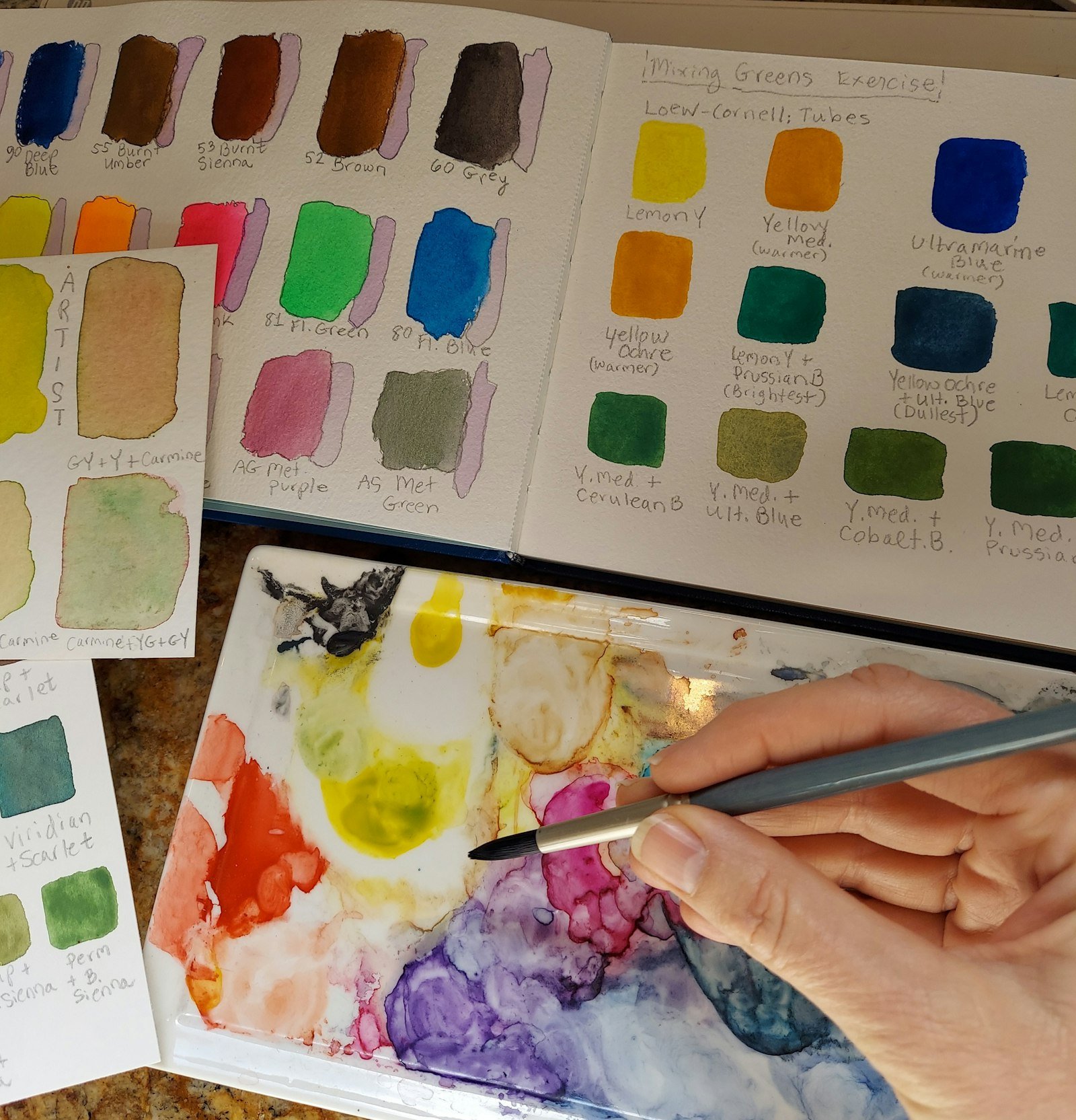
Prices and features below were checked on 11 October 2026 on each company’s own pricing page or documentation. We have not run our own image-quality tests, so this guide compares documented features, pricing and licensing rather than claiming that one model “looks better”. Prices are in the currency each company publishes, and they change often.
Why Look for a Midjourney Alternative?
Midjourney costs from $10 a month for the Basic plan, rising to $30 for Standard, $60 for Pro and $120 for Mega, with about 20% off on annual billing. Our Midjourney beginner’s guide explains those plans in detail. People usually look elsewhere for one of five reasons:
- No free plan. You must pay before you can generate anything.
- Text and layout. Posters, logos and infographics need accurate lettering.
- Commercial safety. Brands often want clear training-data and indemnity terms.
- Developer access. Apps need an official API with per-image pricing.
- Privacy and control. Some users want to run models locally and keep images off third-party servers.
Best Midjourney Alternatives at a Glance
| Tool | Free option | Paid from | Best for |
|---|---|---|---|
| Nano Banana (Google Gemini) | Yes, in the Gemini app | £4.49 a month (Google AI Plus) | Free use and editing in plain language |
| ChatGPT image generation | Yes, with limits | $20 a month (Plus) | Creating images as part of a conversation |
| Adobe Firefly | Free daily generations | £9.98 a month | Commercially safe brand work |
| Ideogram | Weekly slow credits | $20 a month ($15 annual) | Text, typography and posters |
| FLUX (Black Forest Labs) | Open-weight models | Per image via API | Developers and a European provider |
| Leonardo AI | 150 tokens a day | $12 a month | Many models in one platform |
| Qwen-Image 2.1 | Free to run (research licence) | Local hardware or cloud | Open-weight experiments and editing |
| Canva | 20 AI uses | £100 a year (Pro) | Turning images into finished designs |
The Best Midjourney Alternatives in 2026
1. Nano Banana (Google Gemini): best free alternative
Google’s Nano Banana image models are built into the Gemini app, so anyone with a Google account can start free within daily limits. Their main strength is editing through conversation: you upload a photo and ask for changes in plain language, such as “replace the background with a beach at sunset”. Paid Google AI plans raise the limits, and in the UK cost £4.49 a month for Google AI Plus, £18.99 for Pro and from £79.99 for Ultra. Developers can use the API, which Google prices at $0.0336 per 1K image for Nano Banana 2.1.
Choose it if: you want a free starting point, quick edits or images with readable text. Our Nano Banana vs Midjourney comparison covers the two head to head, and the Nano Banana 2.1 guide explains the latest model.
2. ChatGPT image generation: best for conversational creation
ChatGPT can create and edit images inside a normal chat, using OpenAI’s image model (Adobe lists it as GPT Image 2 among Firefly’s partner models). Being able to refine an image over several messages, and combine it with writing tasks such as captions or ad copy, makes it practical for everyday content. Free users get limited access; Plus costs $20 a month.
Choose it if: you already use ChatGPT and want images without learning a new tool. Note that ChatGPT’s Free and Go plans now show ads in the UK and much of Europe, which our ChatGPT ads guide explains.
3. Adobe Firefly: best for commercially safe brand work
Firefly is aimed at teams for whom legal risk matters. Adobe says outputs from its own Firefly models are safe for commercial use, that the models were trained on licensed and public-domain content, and that Content Credentials are attached automatically. Eligible enterprise customers can also get IP indemnification for some outputs. One important nuance: Firefly now also offers partner models such as Nano Banana, GPT Image 2, Kling and Runway, and Adobe says users are responsible for checking whether partner-model outputs suit their project.
| Firefly plan (UK, monthly incl. VAT) | Price | Generative credits per month |
|---|---|---|
| Standard | £9.98 | 2,000 |
| Pro | £19.99 | 4,000 |
| Pro Plus | £47.99 (first-year offer of £33.58 ends 21 October) | 10,000 |
| Premium | £200.40 (first-year offer of £140.20 ends 21 October) | 50,000 |
Choose it if: you produce client or brand work and want clear commercial terms, or you already use Photoshop and Illustrator.
4. Ideogram: best for text and typography
Ideogram focuses on rendering words accurately, which makes it a strong choice for posters, social graphics, thumbnails and logo concepts. Its pricing page lists a Free plan with weekly slow credits (for eligible accounts), Plus at $20 a month or $15 a month billed annually with 2,400 priority credits, Pro at $60 or $42 a month annually with 7,500 credits, and a Team plan from $20 per user a month on annual billing. Paid plans include private generation; free images are public.
Choose it if: your images must contain specific words, headlines or slogans.
5. FLUX by Black Forest Labs: best European and developer option
Black Forest Labs is based in Freiburg, Germany, which matters to some European businesses choosing suppliers. Its FLUX.2 family includes hosted models ([pro], [flex] and [max]) and smaller [klein] models whose weights you can download, with commercial licences sold in tiers. In July 2026 the company announced FLUX 3, a multimodal model that generates images and short videos with audio. VentureBeat reported that the video and robotics versions launched in a gated early-access programme, with an open-weight FLUX 3 Dev promised later.
FLUX is also available inside other platforms; Leonardo, for example, lists FLUX Dev and FLUX Schnell among its models.
Choose it if: you are a developer who needs an API or self-hosted weights, or you prefer a European provider.
6. Leonardo AI: best all-in-one platform
Leonardo brings its own Lucid and Phoenix models together with third-party models such as FLUX, Ideogram, GPT-Image-1 and Nano Banana Pro, plus video models, on one token-based platform. The Free plan gives 150 fast tokens a day, but creations are public. Paid plans are Essential at $12 a month, Premium at $30 and Ultimate at $60. Premium and Ultimate add relaxed (unlimited, slower) image generation on selected models once your fast tokens run out.
Choose it if: you want to compare several models without separate subscriptions, or you make game assets and concept art.
7. Qwen-Image 2.1: best open-weight model to experiment with
Alibaba’s Qwen-Image 2.1 is a 7B-parameter image model with downloadable weights. It generates native 2K images, can create transparent PNGs and edits using up to ten reference images. A faster Turbo version, released in October 2026, needs only eight denoising steps. The catch is the licence: the Qwen Research License allows research and evaluation only, so commercial use needs a separate agreement with Alibaba.
Choose it if: you want to run a modern model locally for testing and learning. Our Qwen-Image 2.1 guide shows how to install it.
8. ComfyUI with open models: best for full control
ComfyUI is a free, node-based interface for running open image models on your own computer or in Comfy Cloud. It supports many models, including FLUX and Qwen-Image, and lets you build repeatable workflows with ControlNet, LoRAs, upscaling and inpainting. It has a steeper learning curve than any tool on this list, and local use needs a capable GPU.
Choose it if: you want privacy, no per-image fees or fine control over every step. Start with our ComfyUI beginner’s guide.
9. Canva: best for finished designs
Canva is not a direct Midjourney competitor, but for some small businesses it can replace one. You can generate an image and turn it into a social post, presentation or flyer without leaving the editor. According to Canva’s UK pricing page, the Free plan includes up to 20 AI uses, Pro costs £100 a year and Business £180 per person a year.
Choose it if: the image is just one part of a design you need to publish.
Free Midjourney Alternatives
If you do not want to pay at all, these options let you start free:
- Gemini (Nano Banana): free daily limits with editing.
- Adobe Firefly: free daily generations, according to Adobe.
- Leonardo: 150 tokens a day, with public creations.
- Ideogram: weekly slow credits for eligible accounts.
- Open models (FLUX.2 [klein], Qwen-Image) in ComfyUI: free to run on your own hardware, subject to each model’s licence.
Free plans almost always make your images public or limit downloads, so read the terms before using them for client work.
How to Choose the Right Alternative
| If you need… | Choose |
|---|---|
| Free images and simple edits | Nano Banana in Gemini |
| Text, logos and posters | Ideogram |
| Clear commercial terms for brand work | Adobe Firefly (its own models) |
| An API for an app | FLUX or the Nano Banana API |
| Local, private generation | ComfyUI with open models |
| Many models in one subscription | Leonardo AI |
| Finished social posts and flyers | Canva |
| Distinctive artistic style | Midjourney itself may still be the best fit |
Commercial Use: Read the Licence First
Commercial rights differ sharply between these tools, and they can differ between models on the same platform:
- Adobe Firefly: Adobe positions its own models as commercially safe, but partner-model outputs are your responsibility.
- Open-weight models: licences vary. FLUX.2 commercial use is sold in licence tiers, and Qwen-Image 2.1 is limited to non-commercial research without a separate licence.
- Free plans: often make images public, which may not suit confidential projects.
For marketing teams building a wider toolkit, our guide to AI tools for marketing covers writing, research and video tools alongside image generators. If you also need motion, see our roundup of the best AI video generators.
Frequently Asked Questions
What is the best free alternative to Midjourney?
For most people, Google’s Nano Banana in the Gemini app is the easiest free option. Adobe Firefly and Leonardo also offer free daily allowances.
Is there an open-source alternative to Midjourney?
Yes. Open-weight models such as FLUX.2 [klein] and Qwen-Image 2.1 can run locally in ComfyUI. Check each licence, because some prohibit commercial use.
Which Midjourney alternative is best for text in images?
Ideogram is designed around accurate typography, and Nano Banana also handles text well.
Which alternative is safest for commercial use?
Adobe Firefly’s own models come with Adobe’s commercial-use assurances and, for eligible enterprise customers, IP indemnification.
Is there a European alternative to Midjourney?
Black Forest Labs, the company behind FLUX, is based in Freiburg, Germany.
Conclusion
There is no single best Midjourney alternative; the right choice depends on why you are switching. Start with Nano Banana if you want something free, Ideogram for text, Adobe Firefly for brand-safe commercial work, FLUX or ComfyUI for developers and local control, and Leonardo if you want many models in one place. Whichever you choose, check the licence before using images commercially.
Sources: Midjourney – plan comparison; Gemini API pricing; Google – Gemini plans (UK); Adobe Firefly UK plans; Ideogram pricing; Black Forest Labs pricing; VentureBeat – FLUX 3 launch; Leonardo AI pricing; Hugging Face – Qwen-Image 2.1; Canva UK pricing.




2 thoughts on “9 Best Midjourney Alternatives in 2026 (Free and Paid, With UK Prices)”