InVideo AI in September 2026: Agent Two, 200+ Models, and Life After Sora 2
InVideo AI’s new Agent Two, a 200+ model roster, and a professional editor arrive just as OpenAI sunsets Sora 2 — here’s what’s genuinely new in September 2026.
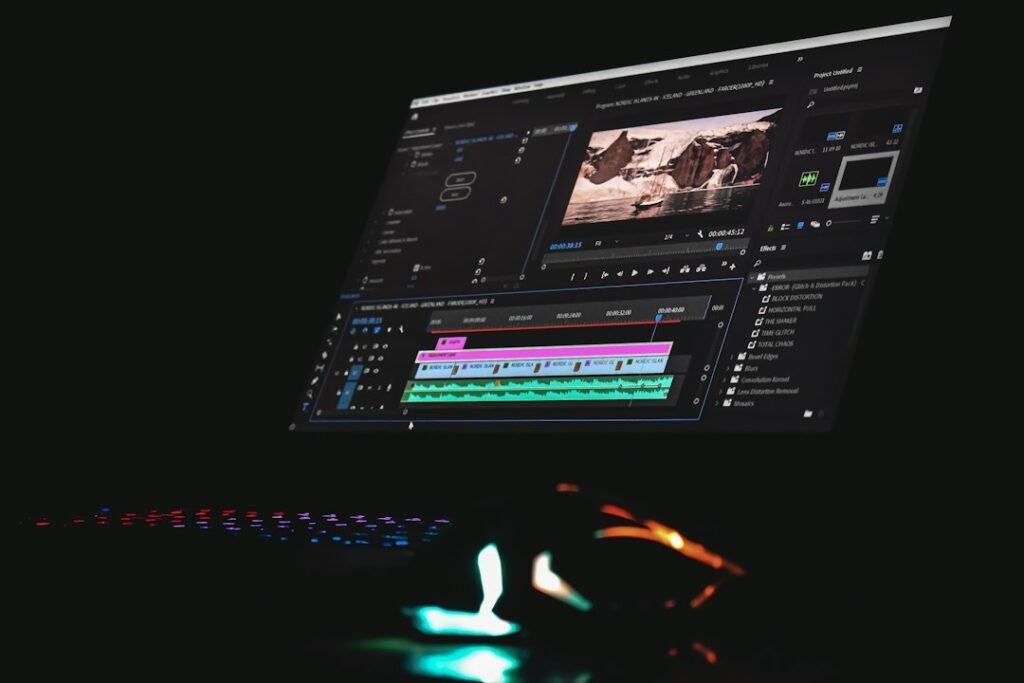
Photo by <a href="https://unsplash.com/@_sanjeev_ngrj_?utm_source=WP+Agent&utm_medium=referral">Sanjeev Nagaraj</a> on <a href="https://unsplash.com/?utm_source=WP+Agent&utm_medium=referral">Unsplash</a>
InVideo AI in September 2026: Agent Two, 200+ Models, and Life After Sora 2
Two things are happening to InVideo AI at the same time this month, and together they say more about where AI video creation is headed than either one alone. First, OpenAI is shutting down the Sora API entirely on September 24, 2026 — just days from now — which means every platform that offered Sora 2 generations, InVideo included, loses access to it permanently. Second, InVideo has spent the summer replacing its original “Agent One” with a considerably more capable “Agent Two,” built around persistent project memory and a roster of more than 200 video, image, and audio models. The combination is a useful real-time test of whether a multi-model platform can actually survive losing one of its headline models without missing a beat.
What Is InVideo AI?
InVideo is a browser-based video creation platform built around two connected products: invideo AI, an agentic system that turns a prompt (or a full creative brief) into a finished video by orchestrating script writing, footage selection, voiceover, music, and editing; and invideo Editor, a professional timeline-based editor with the same AI agent built directly into it. Rather than building its own foundation models, InVideo’s approach is to give users access to outside frontier models — Google’s Veo, Kling, Seedance, and dozens of image, voice, and music models — through one interface, so creators don’t need separate subscriptions or manual file handoffs between tools.
What’s New: Agent Two and the End of Sora 2
The most consequential recent change isn’t a single feature — it’s the shift from Agent One to Agent Two, which InVideo rolled out over the summer and has continued to expand. According to InVideo’s own product pages, Agent Two is built around two core ideas: a project-level “Context” that holds everything true about a video across its whole production (characters, world, tone, visual rules), and “Briefs” for each individual piece being made within that context. InVideo says this solves a specific, previously annoying problem — having to re-explain characters, style, and decisions every time you start a new prompt session, because earlier tools treated every conversation as if it were starting from zero.
Agent Two also introduced “Expert Agents” — specialized roles like Creative Director, Director of Photography, and Storyboard Artist that work semi-independently within a project — along with “Playbooks,” which let a team define standing creative rules the agent follows automatically on every new project, and “Notebooks,” which let a user drop into a specific generation to work directly with an individual model before handing control back to the agent. InVideo states that Agent Two now runs in three selectable intelligence tiers (Lite, Pro, and Ultra), letting users trade off cost against how much reasoning the agent applies to a given task.
Meanwhile, the other half of this month’s story is happening whether InVideo wants it to or not. Sora 2, OpenAI’s video model, has been part of InVideo’s model roster since shortly after its October 2025 launch — but OpenAI discontinued the consumer Sora app in April 2026, and per OpenAI’s own documentation, the Sora API is scheduled to shut down on September 24, 2026. InVideo’s own blog is candid about this: it directs users toward Veo 3.1, Kling 3, Seedance 2.0, and MiniMax-H3 as the current models that cover the jobs Sora 2 used to do, rather than suggesting Sora access will continue anywhere after the shutdown date.
Key Features
Beyond Agent Two itself, a few specific capabilities stand out as genuinely current, based on InVideo’s own documentation:
- A 200+ model roster in one workspace. Rather than picking a single AI video engine, InVideo’s agent selects which model to use for a given shot — Veo 3.1 for synced dialogue and ambient sound, Seedance for image-to-video fidelity, and so on — so users aren’t locked into one model’s particular strengths and weaknesses.
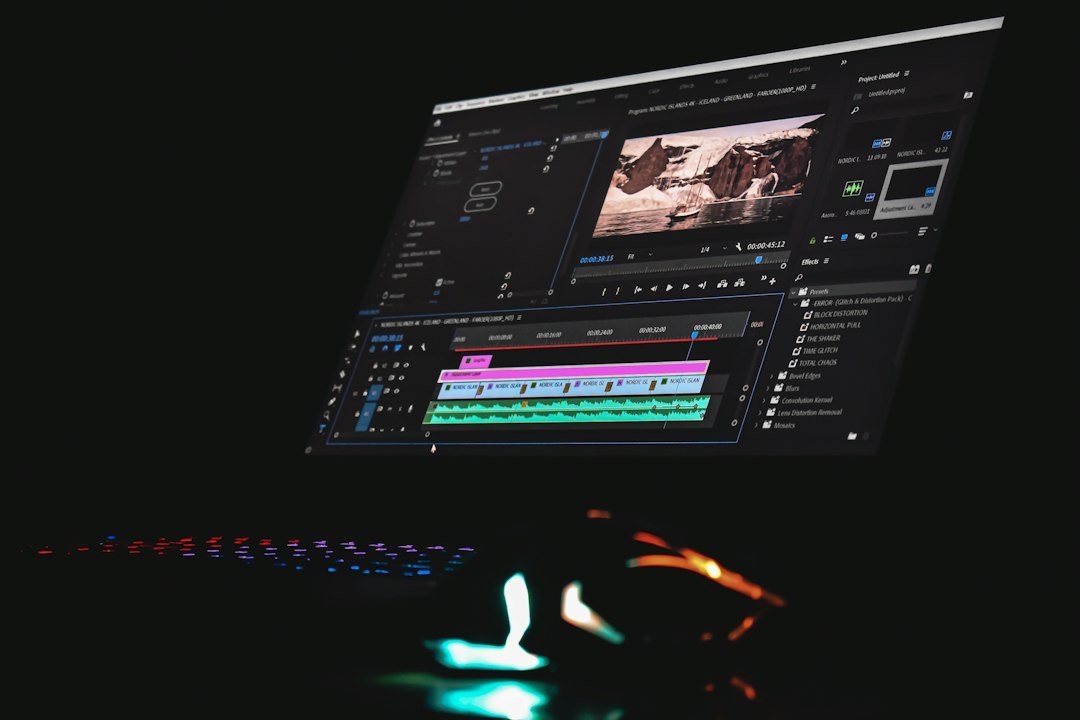
- invideo Editor, a newer, separate product that pairs a full multitrack timeline editor with the same AI agent, an “assistant editor” that reviews raw footage before cutting (so it understands who’s on screen and which takes are usable), and the ability to export an editable project directly into Premiere Pro, Final Cut Pro, or DaVinci Resolve with cuts and layers intact — aimed at professional editors who want AI assistance without giving up a real editing environment.
- Licensed stock integration. Agent Two can pull directly from a stated library of roughly 16 million clips, images, and music tracks from providers including Shutterstock and iStock, cleared for commercial use, rather than requiring a manual search through a separate stock library.
- Team collaboration controls. Multiplayer editing with live cursors, plus the ability to invite external collaborators into specific project folders without giving them a full seat on the plan.
How InVideo AI Works
In practice, a project starts with either a prompt or a more detailed creative brief. Agent Two builds out a script and shot plan, selects models per shot based on what each one is best at, generates the footage, and assembles a first cut with voiceover, music, and captions. From there, revisions happen conversationally — you can ask the agent to swap a scene, adjust pacing, or change a visual style — or you can drop into invideo Editor’s timeline directly for frame-level control. For teams that need the finished piece to move into a professional post-production pipeline, the project can be exported with its structure intact into standard editing software rather than only as a flattened video file.
Who Is InVideo AI For?
Based on its current feature set, InVideo AI fits a fairly wide range of users, though not all in the same way:
- YouTube and faceless-content creators benefit from the prompt-to-finished-video workflow for high-volume, templated content where speed matters more than frame-level precision.
- Marketers and small businesses can use the platform to produce ads and product videos without hiring a video team for every campaign, and the licensed stock library removes a common licensing headache.
- Agencies managing multiple clients can use Playbooks and Context to keep brand guidelines consistent across projects without re-briefing the AI every time.
- Professional editors and filmmakers are the newer, more specific audience InVideo Editor is aimed at — people who want AI to handle footage logging and first assembly, but still want a real timeline and export compatibility with the software they already use.
Pros and Limitations
InVideo’s clearest strength is consolidation: instead of subscribing to Veo, an image model, a voice model, and a separate stock library, all of it sits inside one workspace with one agent coordinating the pieces. Agent Two’s Context-and-Briefs system is also a real answer to a genuine complaint about earlier AI video tools — that every session started from scratch.
The limitations worth knowing about are structural rather than cosmetic. InVideo’s pricing runs on a credit system rather than flat unlimited usage, and generative models are billed at their original API rates against those credits — meaning cost per finished video varies significantly depending on which models a project uses, and InVideo does not publish a fixed “credits per video” figure. Some plan tiers also restrict access to the newest models: as of InVideo’s current pricing page, the entry-level Starter plan does not include the latest Seedance versions, which are reserved for the Plus tier and above. And because the platform depends on third-party model providers, InVideo’s own roster is subject to exactly the kind of disruption now playing out with Sora 2 — a reminder that “access to every frontier model” is only as stable as each of those partnerships.
InVideo AI vs Traditional Video Creation
What InVideo genuinely removes is the mechanical overhead of production: sourcing footage, syncing rough cuts, writing a first-pass script, and stitching together voiceover and music by hand. For high-volume, format-driven content, that’s a real and substantial time reduction. What it doesn’t remove is creative judgment — deciding whether a shot actually serves the story, catching a tonal misstep an AI model won’t notice, or making the kind of precise timing call that separates a good edit from an adequate one. InVideo Editor’s design, pairing an assistant editor with a real timeline rather than replacing the timeline outright, reflects that: InVideo is positioning the tool as removing the grind of editing, not the editor.
Is InVideo AI Worth Considering in 2026?
For creators and teams that need a high volume of video content and don’t want to manage separate subscriptions for each AI model, InVideo’s consolidated approach is a genuine practical advantage, and Agent Two’s persistent project memory addresses a real limitation of earlier prompt-based tools. It’s less clearly the right fit for anyone who wants predictable flat-rate pricing, since the credit-and-API-cost model can make per-video cost harder to estimate upfront. You can explore the current plans and try the platform directly through InVideo AI’s official site to see how the credit system applies to your own project volume before committing to a paid tier.
Disclosure: This article contains an affiliate link. If you sign up or make a purchase through the link, AI Brainora may earn a commission at no additional cost to you.
Conclusion
The practical takeaway from InVideo AI this month isn’t any single feature — it’s that the platform’s entire value proposition rests on being model-agnostic, and that’s about to be tested in public as Sora 2 disappears from every platform that offered it, InVideo included. Agent Two’s project memory and expanded editor are genuine, verifiable improvements over what InVideo offered a year ago. Whether the platform’s broader bet — that access to many models beats being tied to one — holds up is something worth watching over the next few months, not something settled by this week’s changes alone. For more on how InVideo compares to other options in the category, see our roundup of the best AI video generators in 2026 and our look at AI video editing tools.
Sources
- invideo — “Sora 2: What It Was, Why It Ended, and What to Use Instead” (updated August 7, 2026) — invideo.io/blog
- invideo — “invideo Agent Two” product page (accessed September 22, 2026) — invideo.io/agent-two
- invideo — “Introducing invideo Editor: The Agentic Video Editor” — invideo.io/news
- invideo — Pricing page (accessed September 22, 2026) — invideo.io/pricing